Upgrade Instructions
Upgrading requires removing the existing CrossTrade NT8 Add-On DLL from your NinjaScript Assembly. Walk through the process.
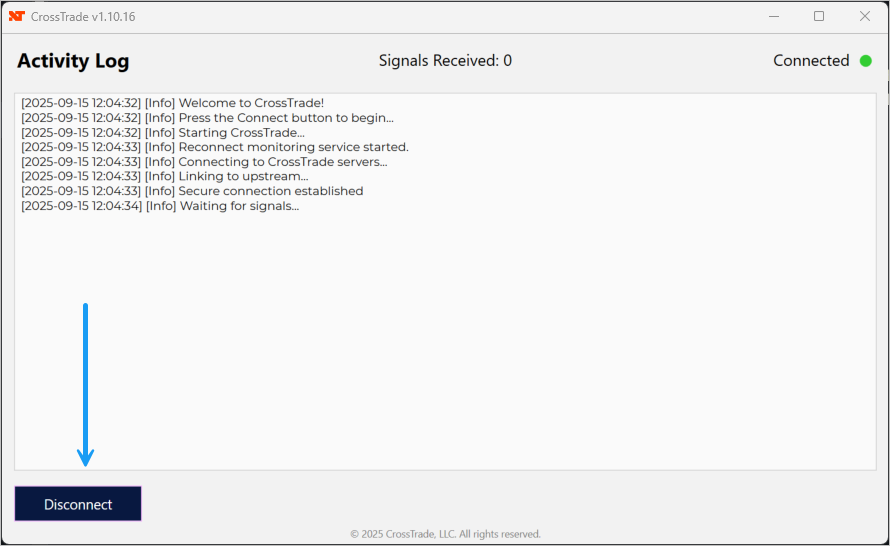
Download CrossTrade NT8 Add-On Latest release — NinjaTrader 8 NinjaScript (.zip)Step 1: Close any active CrossTrade NT8 Add-On windows
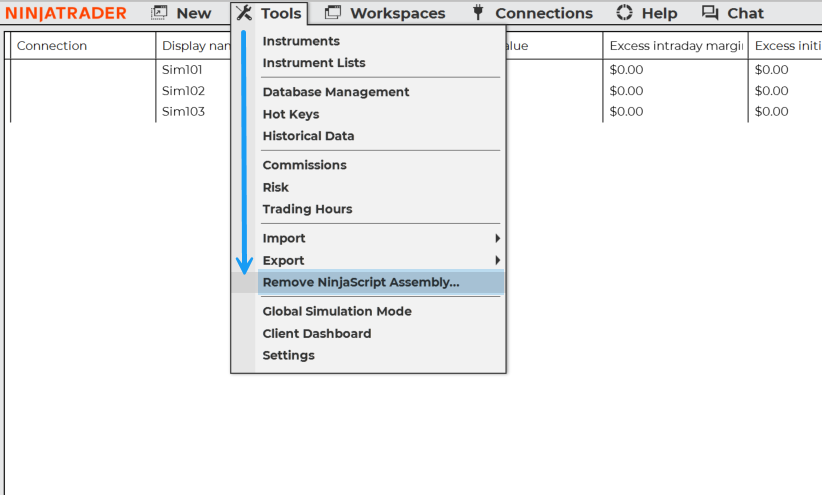
Step 2: Go to Tools > Remove NinjaScript Assembly
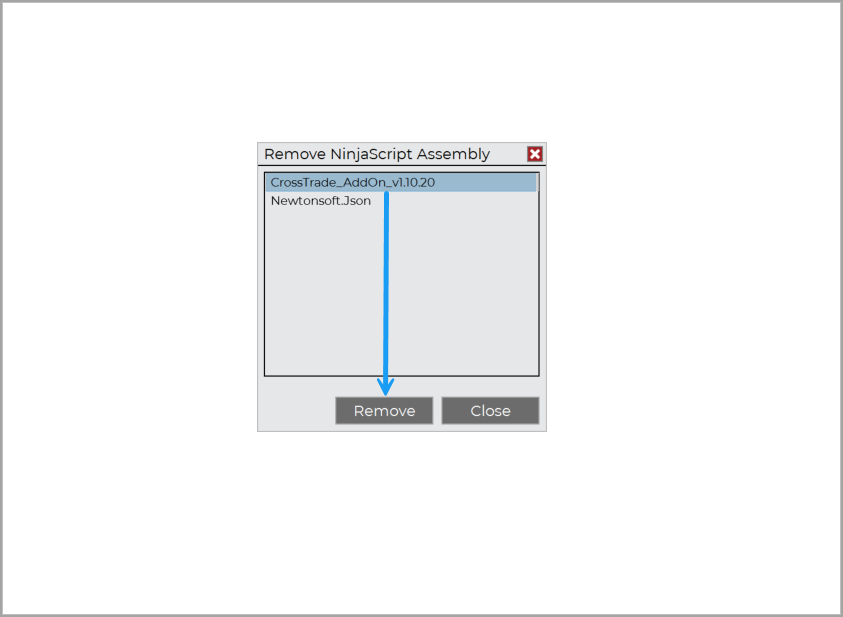
Click on the CrossTrade Add-On and then Remove
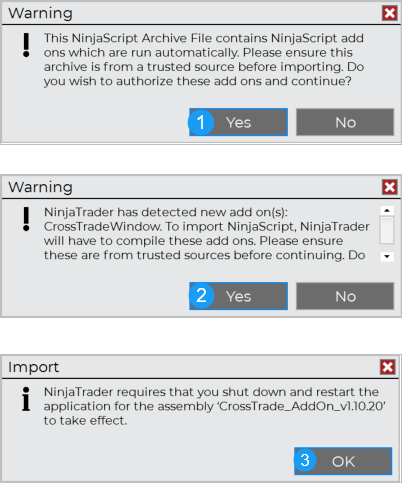
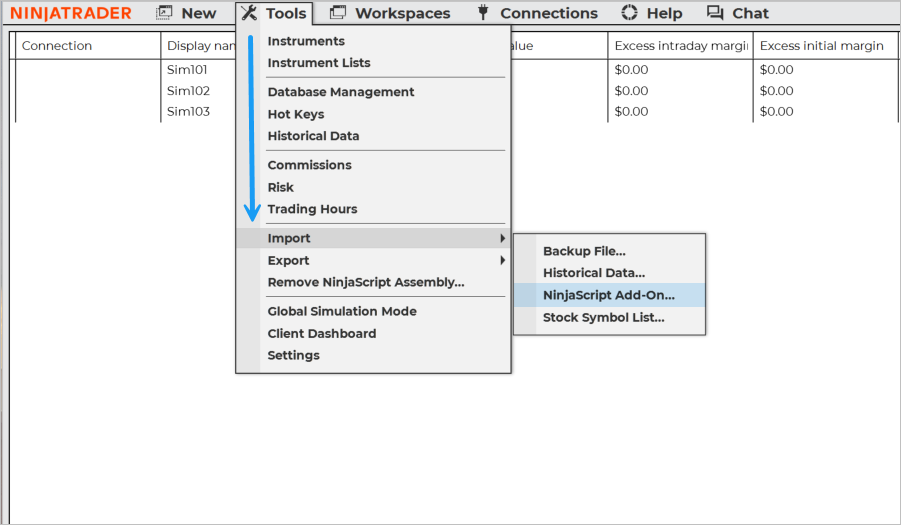
Step 3: Import New Version
Go to Tools > Import > NinjaScript Add-On
Yes -> Yes -> OK