Notes
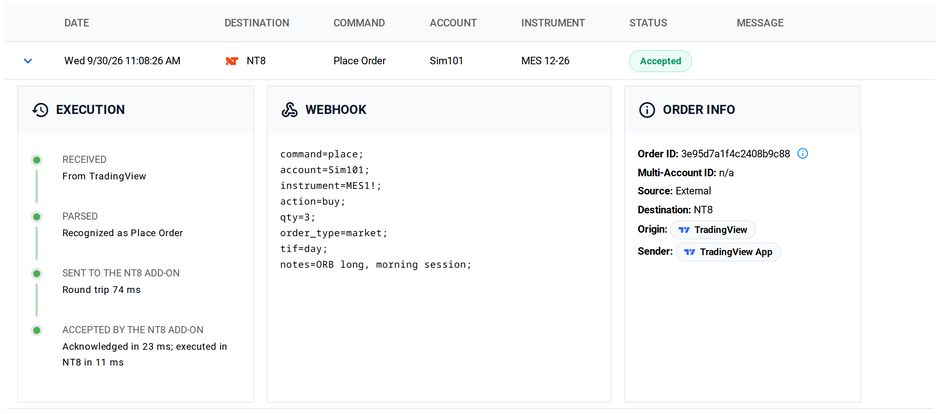
If you run a lot of strategies and like to stay organized, make sure you take good notes! Annotate alert messages with a notes field and the text will show up in both the Activity Log on the CrossTrade NT8 add-on and the Alert History page.
Example Payload
Annotate your alert message with a note:
key=your-secret-key;
command=closeposition;
account=sim101;
instrument=MES 12-26;
notes=Hi ho! Hi ho! It's off to work we go!;
On Tradovate
With destination=tradovate;, your note also rides to the broker: it is sent as the order's text, which shows on the order in Tradovate's own UI and reports. Tradovate caps order text at exactly 64 characters, so CrossTrade sends the first 64 characters of your note. The full note is still recorded in your Alert History.