Cancel Order
This command will cancel an order and requires an order ID value and an optional strategy ID value.
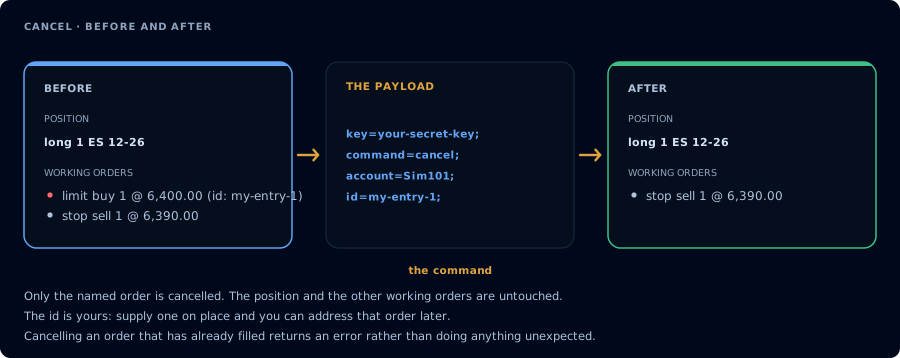
One named order. The position and every other order are untouched.
The order_id value must match the order_id you assigned to the order on the original PLACE command. You set this id yourself when placing the order: CrossTrade does not generate referenceable order names (the old ENTRY1, EXIT1, STOP1, TARGET1 style names), so an order is only cancellable by id if you gave it an order_id at placement time.
The optional strategy_id narrows the cancel to an order owned by that ATM strategy. When supplied, it must match a strategy_id used in the PLACE command.
Example Payload
key=your-secret-key;
command=cancel;
order_id=your-order-ID;
For a NinjaTrader ATM-owned order, you can optionally add strategy_id=your-strategy-id;. Do not include explanatory text such as (optional) inside the payload.
CANCEL works with destination=tradovate;. order_id accepts either the numeric Tradovate order id or the order_id you set on the original place alert (tracked for 7 days). strategy_id is NinjaTrader-only. Follower orders created by the Tradovate copier are canceled along with the leader order.