Cancel Orders
Similar to the FLATTEN positions command, CANCELORDERS provides the option to either cancel all orders in an account, or optionally cancel all orders in an account for a specific instrument.
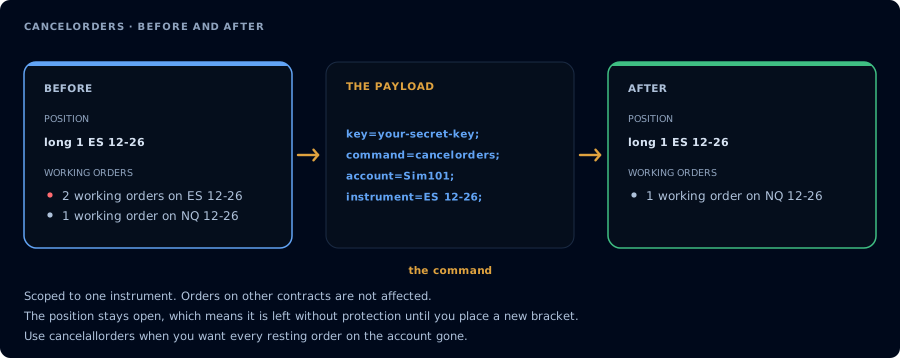
Every resting order on one instrument, with the position left open.
Example Payload
The following alert will cancel all orders in the sim101 account:
key=your-secret-key;
command=cancelorders;
account=sim101;
The following alert will cancel all orders in the sim101 account for instrument ES 12-26:
key=your-secret-key;
command=cancelorders;
account=sim101;
instrument=ES 12-26;
On Tradovate
CANCELORDERS works the same way with destination=tradovate;: every working order on the named account is canceled, narrowed to one contract when instrument is included. Orders that were created by the Tradovate copier on follower accounts are canceled along with their leader orders.