
The First AI Trading Agent Workflow Every Funded Futures Trader Should Use Is Read-Only
Funded futures rewards discipline. Read-only AI agents reinforce it. Daily review, journal analysis, and copier diagnostics in one conversation, with zero risk to the account.

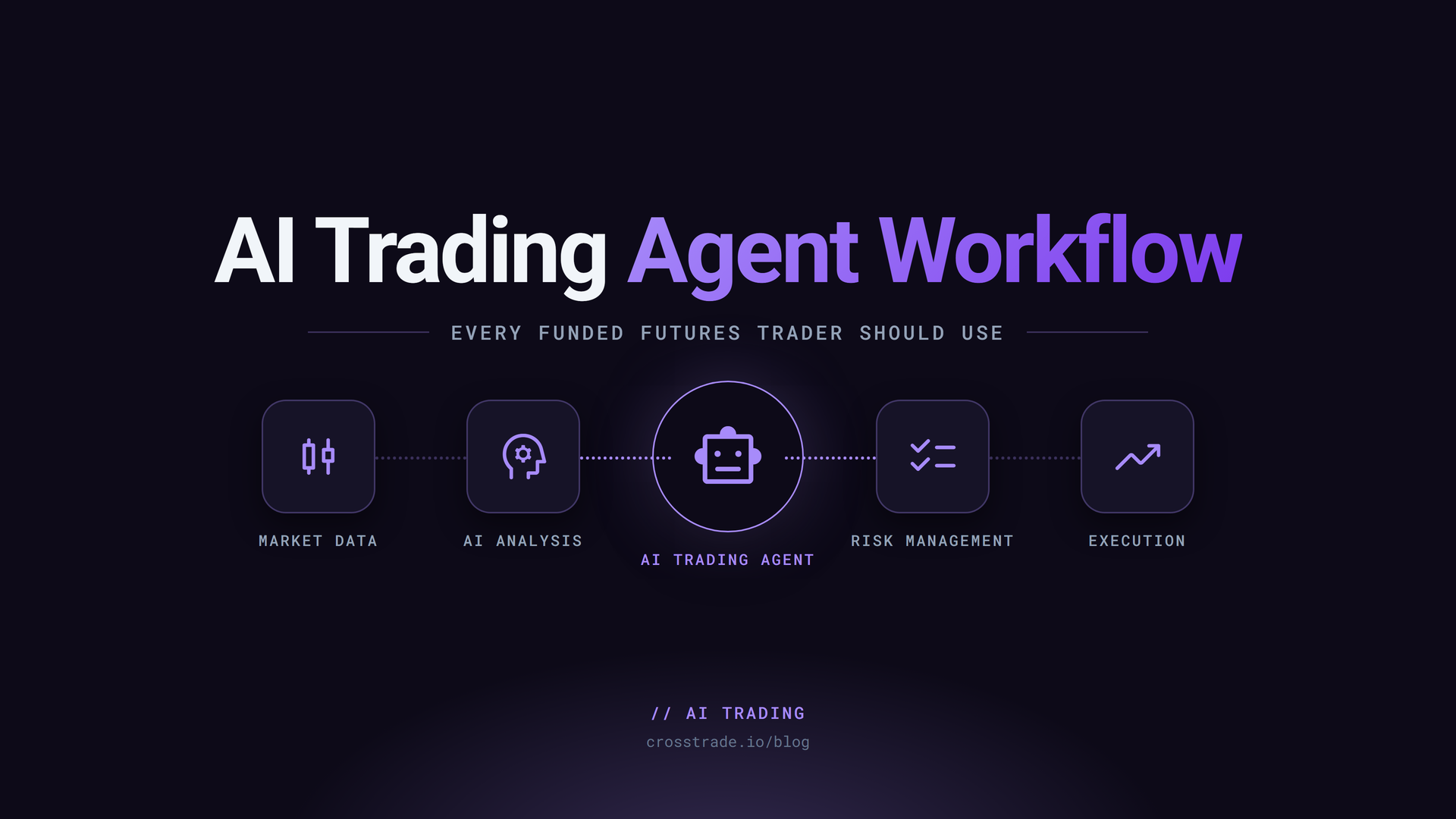
Funded futures traders ask the wrong first question about AI. The wrong question is "can the agent place trades for me?" The right first question is "can the agent help me keep the account?"
The answer to the right question is yes, and the workflow is read-only.
Why funded futures traders should avoid reckless automation
A funded account is a privilege. Most firms have a written rule list. Daily loss, max drawdown, max contracts, news windows, EOD flatten, consistency targets, automation policies. Apex Trader Funding currently prohibits automation outright. Topstep permits automated strategies in the Trading Combine with caveats. TakeProfitTrader has news-window prohibitions and a no-counter-positions rule.
An AI agent placing orders on a funded account is automation regardless of how it was triggered. If the firm prohibits automation, the agent is breaking the rule the moment it calls PlaceOrder. If the firm permits automation, you are still responsible for malfunctions. Either way, "trade-enabled AI on day one" is the highest-risk path.

What read-only agents can do
A read-only AI agent on CrossTrade MCP has access to:
- Accounts and connection state
- Open positions and working orders
- Account summary and watermarks (the highs and lows that drive trailing drawdown)
- The matched-trade journal
- TradingView webhook signal history
- CrossTrade Add-On activity log (including copier events)
The OAuth scope is binary: a mcp:read token cannot place an order, cancel an order, flatten a position, deploy a strategy, or write a file. The server returns 403 insufficient_scope for any write tool, no matter what the prompt says.
Daily review, journal analysis, copier diagnostics
Three workflows pay off the first week.
Daily review. Run at the end of every session. The agent pulls today's matched trades, watermarks, account summary, activity log, and webhook signals. The response is a one-page report: total realized P&L, lowest watermark, drawdown room at the worst moment, any rejected orders, any silent webhook misses, three biggest losers. It is the report you would build in a spreadsheet if you had the energy.
Journal analysis. Run weekly. The agent pulls 7 days of matched trades and groups by setup or instrument. It flags revenge entries (trades within 90 seconds of a prior losing trade exit on the same instrument), worst time-of-day windows, and setups with negative expectancy plus enough sample to matter.
Copier diagnostics. Run any time follower accounts are out of sync with the leader. The agent reads the activity log for both accounts, identifies the divergence, and reports the verbatim rejection reason if any. Usually one line: "follower rejected: max contracts (existing 4 + routed 2 > limit 5)". The fix is upstream of the next session.
None of these workflows touch the firm's rules. All of them increase the chance you keep the account.
When trade-enabled access is appropriate
Trade-enabled is a separate decision. The conditions that should be true before you upgrade:
- You have run read-only for at least a week without surprises.
- You have a specific workflow that requires writes. NinjaScript compile loops, Strategy Analyzer backtests, scheduled flatten at session end, or confirmation-gated order placement on Sim101.
- You have written a strict system prompt with state checks and explicit confirmation gates.
- For funded accounts, you have verified the firm's automation policy permits the workflow.
- You will revoke the trade-enabled token when the session is over.
If any of those is missing, stay read-only longer.
The agent is a risk clerk, not an edge
The healthier mental model: the agent is the trader's analyst, not the trader's replacement. The agent reads everything you do not have time to read. The agent computes drawdown room before every session. The agent flags revenge patterns you did not notice. The agent identifies copier divergences before the next session compounds the problem.
The trader still makes every decision. The trader still places every order. The trader still owns the account.
Where to start
The setup is one URL and one OAuth consent screen. See How to Run Your First Read-Only AI Trading Agent in NinjaTrader 8. For the firm-specific risk checklist, see How to Build an AI Risk Checklist for Funded Futures Accounts. For per-firm guidance, see AI for Funded Futures Traders.
If you trade a funded account today, the first AI workflow you should run is the daily review. If it catches one revenge trade or one silent webhook miss in the first week, the setup paid for itself.