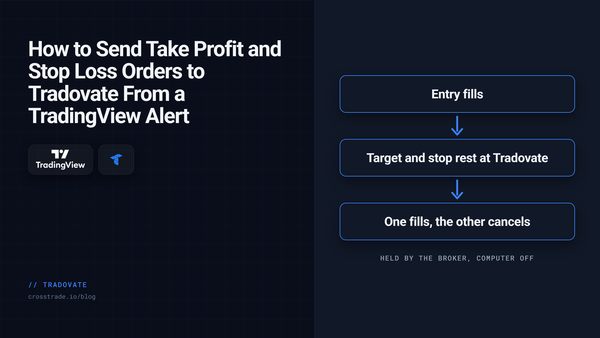
TradingView How to Send Take Profit and Stop Loss Orders to Tradovate From a TradingView Alert Brackets, scale-outs, native trailing stops, MIT and GTD: how to put exits on a Tradovate order from a TradingView alert, and which parts keep working with your computer off.
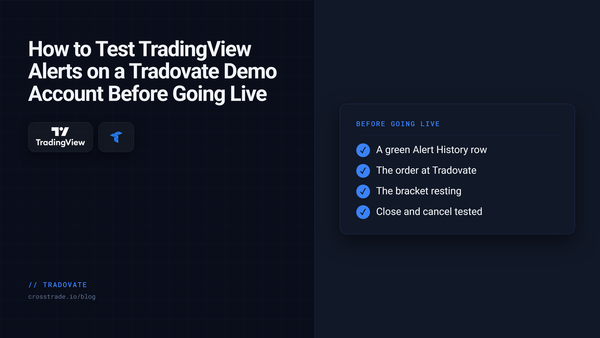
Tradovate How to Test TradingView Alerts to Tradovate Before Trading Live Use a Tradovate Demo account and CrossTrade Alert History to test a TradingView webhook before you consider a live workflow.
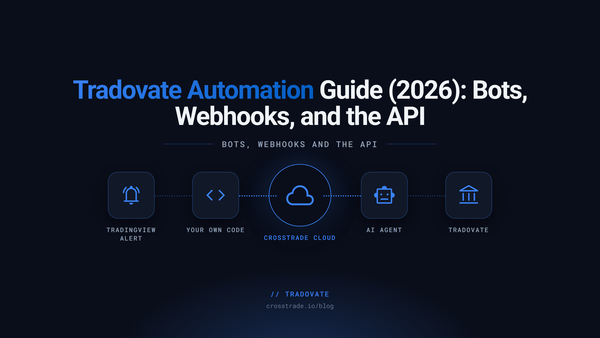
Tradovate Tradovate Automation Guide (2026): Bots, Webhooks, and the API Three ways to automate a Tradovate account: TradingView webhooks, your own code through an API, or an AI agent. What each needs, how to set one up, and the rules that run with your computer off.
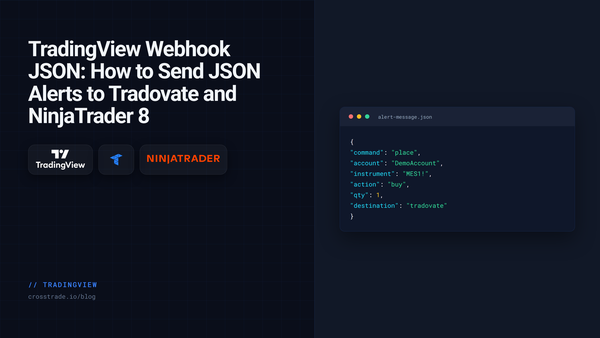
TradingView TradingView Webhook JSON: How to Send JSON Alerts to Tradovate and NinjaTrader 8 CrossTrade now reads TradingView webhook alerts written as JSON. Same field names as the key=value format, strict rules, and one field that routes the order to Tradovate or NinjaTrader 8.
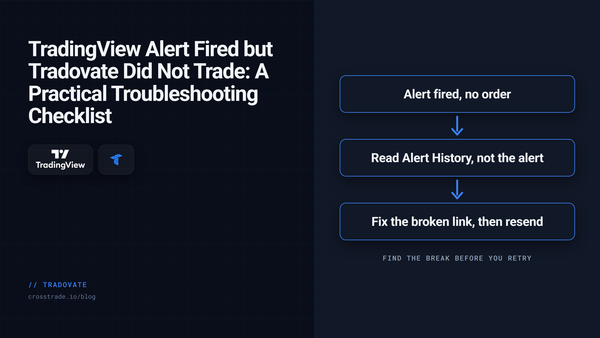
Tradovate TradingView Alert Fired but Tradovate Did Not Trade: A Practical Troubleshooting Checklist A simulation-first checklist for diagnosing a TradingView alert that fired but produced no visible Tradovate order. Verify delivery, payload, account, symbol, quantity, and order state.
Education Built for AI: How CrossTrade Talks to Agents CrossTrade is now agent-native. The MCP server is live, the AI-discovery stack is shipped, and there is a full suite of docs, tools, and prompts for connecting Claude, ChatGPT, and Cursor to NinjaTrader 8.
How To Guides How to Build an AI Trading Agent for NinjaTrader with the CrossTrade API Build a real AI trading agent that autonomously calls CrossTrade API tools to check positions, stream quotes, place orders, and manage risk on NinjaTrader 8.
Education LLM-Assisted Futures Trading: Using AI for Signal Generation on NinjaTrader 8 Feed live futures data to an LLM and let it generate buy/sell signals executed on NinjaTrader 8 through the CrossTrade API. Complete Python implementation.
How To Guides How to Build a Python Trading Bot for NinjaTrader 8 Build a fully functional Python trading bot that places orders, streams quotes, and manages positions on NinjaTrader 8 using the CrossTrade API.
How To Guides How to Auto-Correct Mismatched NinjaTrader Positions with your TradingView Strategy Strategy Sync can now auto-correct position mismatches with resync mode and verify exact contract counts with target_quantity. No more manual intervention.
How To Guides New API Features: WebSocket Streaming, Historical Bars, Cross-Account Queries, and More Stream market data, pull historical bars, and manage orders across all accounts from your own code with CrossTrade's expanded API and new WebSocket streaming endpoint.
How To Guides Stream NinjaTrader 8 Market Data with Python Using WebSockets Connect once over WebSocket, stream live quotes and P&L from NinjaTrader 8, and execute API calls, all from a single Python script.
How To Guides Take Profit Trader: How to Pass the Evaluation and Manage Your Funded Accounts Take Profit Trader offers a one-step futures evaluation with day-one withdrawals. Here's how the program works and how CrossTrade helps you pass and manage your accounts on NinjaTrader 8.
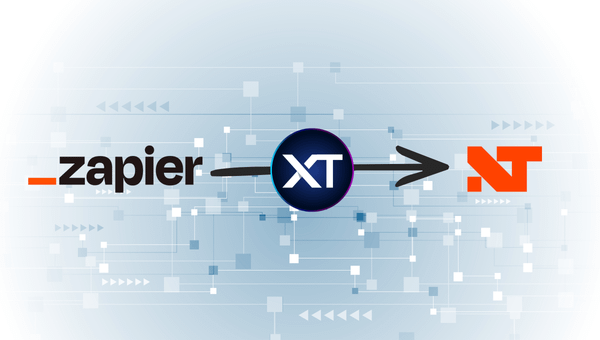
How To Guides How to Automate NinjaTrader Trades with Zapier and CrossTrade CrossTrade's webhook API works with any HTTP source, not just TradingView. Here's how to connect Zapier and automate trades from 7,000+ apps.
How To Guides How to Run Multiple TradingView Strategies on NinjaTrader Without Conflicts Run multiple TradingView strategies on the same NinjaTrader account without position conflicts. Strategy Lock isolates each strategy's positions automatically.
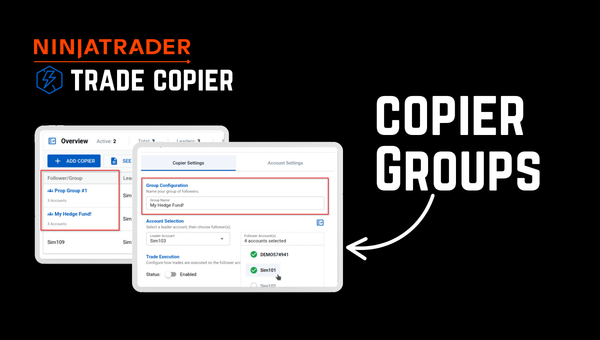
How To Guides How to Run 10 Prop Firm Accounts on NinjaTrader 8 Without Losing Your Mind Running multiple prop firm accounts on NinjaTrader 8 doesn't have to mean managing each one individually. Here's the full CrossTrade stack for multi-account trading.
How To Guides How to Auto-Reconnect Lost Connections on NinjaTrader 8 NinjaTrader connections drop. Your automation shouldn't care. Here's how CrossTrade's Auto-Reconnect and Data Watchdog recover lost connections without manual intervention.
How To Guides How to Automate TradingView Strategies with CrossTrade Learn how to automate your TradingView strategy and send real-time trading signals to NinjaTrader 8 using CrossTrade, from open-source scripts to closed-source workarounds.
How To Guides How to Set Up CrossTrade's NinjaTrader Account Manager Set up automated P/L monitoring, risk management, and account controls for NinjaTrader 8 with CrossTrade's Account Manager. A step-by-step setup guide.
How To Guides Featured The Complete Guide to NinjaTrader Commands Every NinjaTrader ATI command and CrossTrade enhancement in one reference. PLACE, CLOSE, REVERSE, brackets, Strategy Lock, Strategy Sync, and more.
How To Guides Featured Getting Started: Open your first NinjaTrader position from TradingView Follow along as we install the CrossTrade Add-On, create a TradingView webhook alert, and open our first futures position on NinjaTrader 8 in under 10 minutes.
How To Guides How CrossTrade Sends Signals from TradingView to NinjaTrader A technical breakdown of how a TradingView webhook becomes an executed order on NinjaTrader 8 in under 50 milliseconds through CrossTrade's signal pipeline.
How To Guides How to Stop Giving Back Your Profits in Futures Day Trading You hit your daily target, kept trading, and gave it all back. Monitor Lock on CrossTrade's Account Manager prevents restarts after a threshold kill so you can't override your own rules.
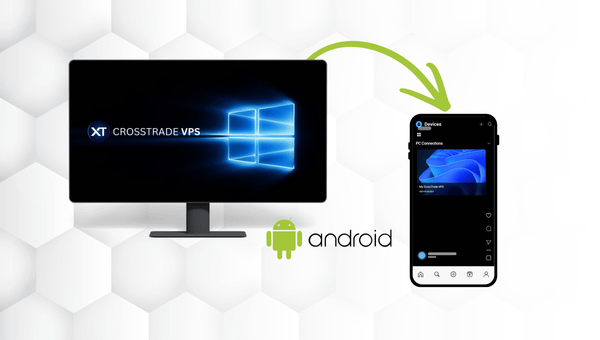
How To Guides How to Connect to Your CrossTrade VPS from Your Android Phone or Tablet Access your CrossTrade VPS from anywhere using Microsoft's free Windows App. This guide walks you through the full setup on Android in just a few minutes.
How To Guides Tradovate API Rate Limits: p-ticket, p-time, 429 and the 1,500/Hour Order Limit What Tradovate's p-ticket, p-time, p-captcha and p-message fields mean, why placeorder stops at 1,500 requests an hour, how a 429 differs, and how to keep a copier clear.