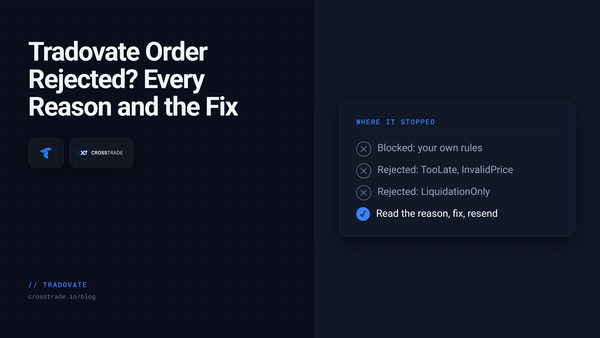
Tradovate Tradovate Order Rejected? Every Rejection Reason and How to Fix It TooLate, InvalidPrice, LiquidationOnly, SessionClosed: what each Tradovate rejection reason means, how to tell a broker rejection from a blocked signal, and the fix for each.
TradingView Pine Script v6: Every Change Since Launch, and What It Means for Alerts Everything TradingView has added to Pine Script v6 since launch, month by month through August 2026, and the handful of changes that matter if your strategy sends alerts to a broker.
Pine Script Pine Script v6 Data Types, var vs varip, and Variable Scope What a Pine Script variable holds, when its value is known, how long it lasts and where you can see it: types, qualifiers, var vs varip and scope, with short scripts for v6.
TradingView Getting Started with Pine Script v6: Your First Indicator Build a complete Pine Script v6 indicator from a blank editor: moving averages, adjustable inputs, crossover markers, trend colors and alerts, with the full script at the end.
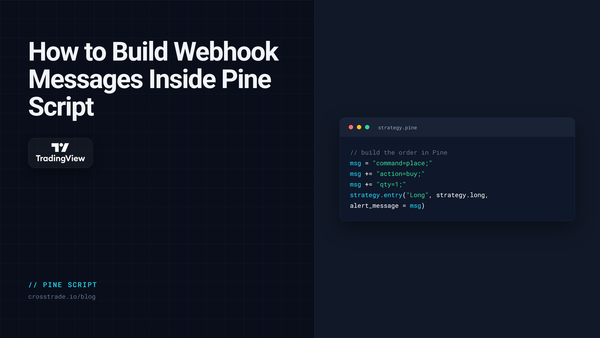
TradingView How to Build Webhook Messages Inside Pine Script (alert_message and alert()) Build the whole webhook order inside your Pine Script, so every alert carries its own stop, target and size. alert_message for strategies, alert() for indicators, and a JSON version of each.
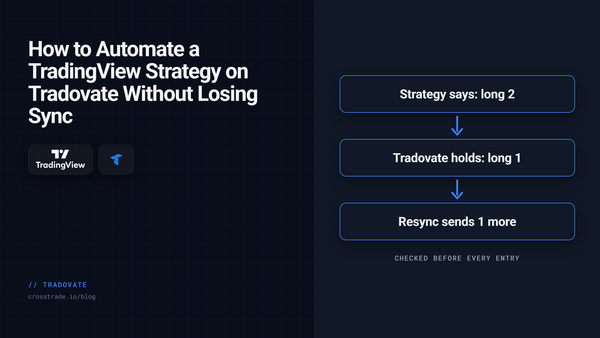
Tradovate How to Automate a TradingView Strategy on Tradovate with Strategy Sync A TradingView strategy only knows what it thinks it holds. How Strategy Sync checks the live Tradovate position before each entry, and pairs with a scale-out bracket.
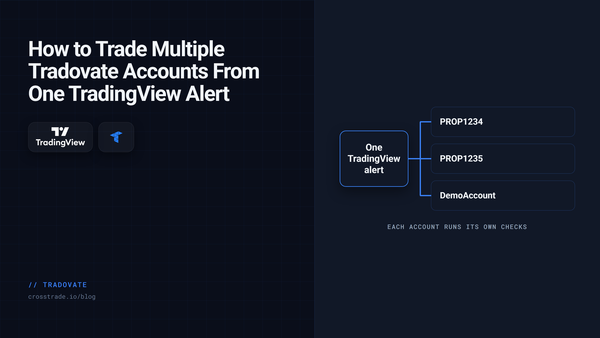
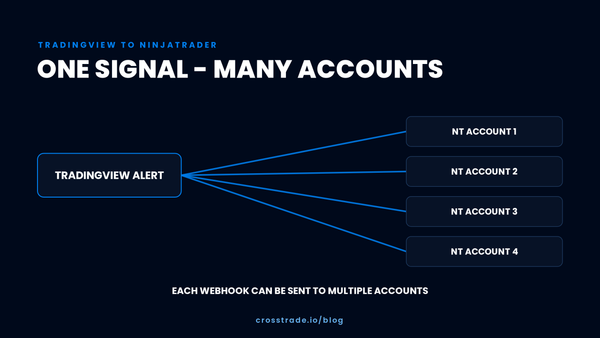
Tradovate How to Trade Multiple Tradovate Accounts From One TradingView Alert One TradingView alert can place the same order on every Tradovate account you name, or rotate through them one signal at a time. How it works, and when to move up to a copier.
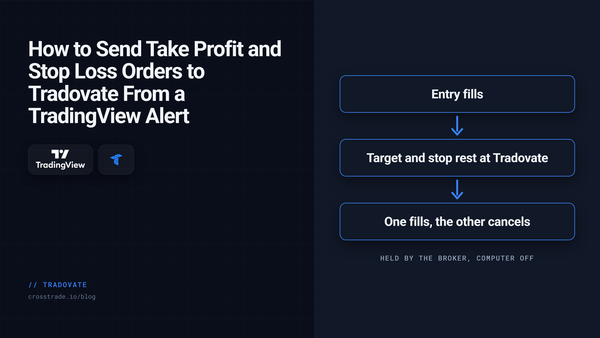
TradingView How to Send Take Profit and Stop Loss Orders to Tradovate From a TradingView Alert Brackets, scale-outs, native trailing stops, MIT and GTD: how to put exits on a Tradovate order from a TradingView alert, and which parts keep working with your computer off.
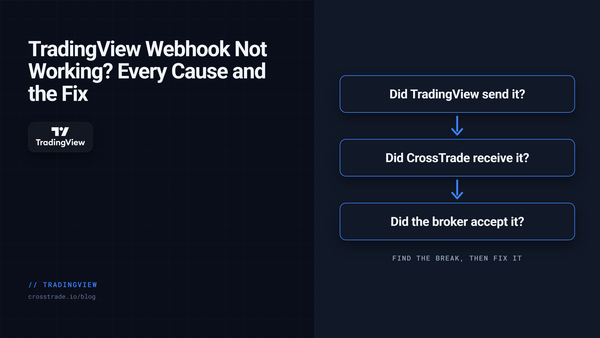
TradingView TradingView Webhook Not Working? A Step-by-Step Checklist A webhook that never turns into a trade is broken at one of four links. How to find which one in minutes, the common causes at each, and what every rejection message means.
TradingView Which TradingView Plan Do You Need for Webhook Alerts? Every paid TradingView plan sends webhooks, so the real choice is alert count and alert lifetime. Which plan fits an automated setup, and the expiry rule that quietly switches bots off.
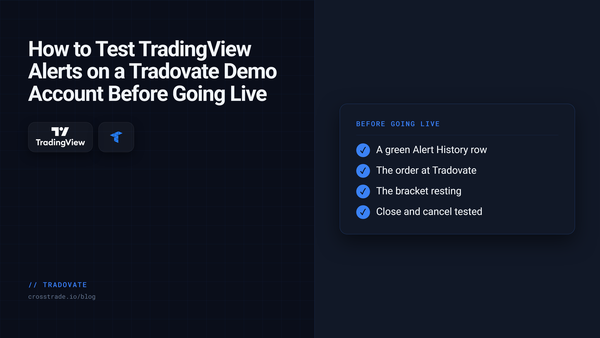
Tradovate How to Test TradingView Alerts to Tradovate Before Trading Live Use a Tradovate Demo account and CrossTrade Alert History to test a TradingView webhook before you consider a live workflow.
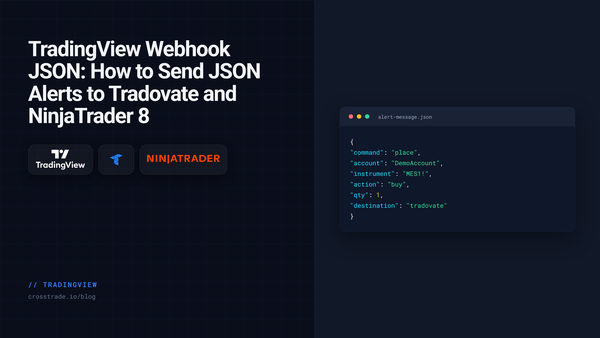
TradingView TradingView Webhook JSON: How to Send JSON Alerts to Tradovate and NinjaTrader 8 CrossTrade now reads TradingView webhook alerts written as JSON. Same field names as the key=value format, strict rules, and one field that routes the order to Tradovate or NinjaTrader 8.
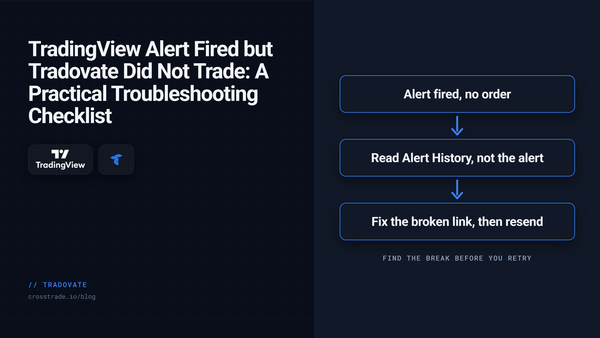
Tradovate TradingView Alert Fired but Tradovate Did Not Trade: A Practical Troubleshooting Checklist A simulation-first checklist for diagnosing a TradingView alert that fired but produced no visible Tradovate order. Verify delivery, payload, account, symbol, quantity, and order state.
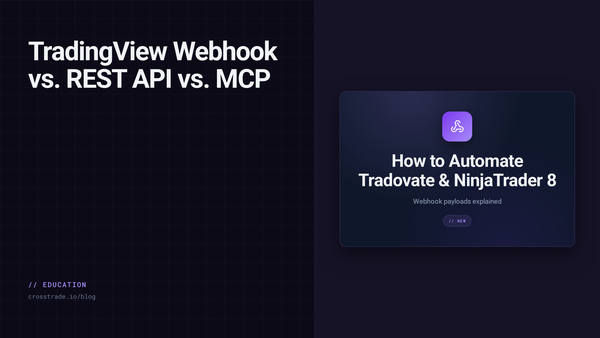
TradingView TradingView Webhook vs REST API vs MCP: How to Automate Tradovate and NinjaTrader 8 Choose webhook, REST, WebSocket, or MCP for TradingView automation across Tradovate and NinjaTrader 8, with the platform boundaries that matter.
Trade Copier Cloud Trade Copier: When You Really Can Trade Without a VPS A cloud dashboard does not always remove the execution platform. Learn what must stay online for NinjaTrader 8 and Tradovate trade-copying workflows.
TradingView How One TradingView Alert Reaches Multiple NinjaTrader Accounts Follow one TradingView alert through CrossTrade to a NinjaTrader 8 source account and mapped followers, then verify the full workflow in simulation.
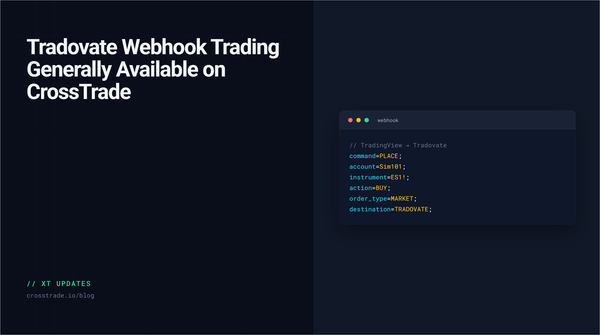
Tradovate Tradovate Webhook Trading Generally Available on CrossTrade Tradovate webhook routing is now generally available on CrossTrade, with cloud execution, native brackets, and no NT8 desktop or VPS required.
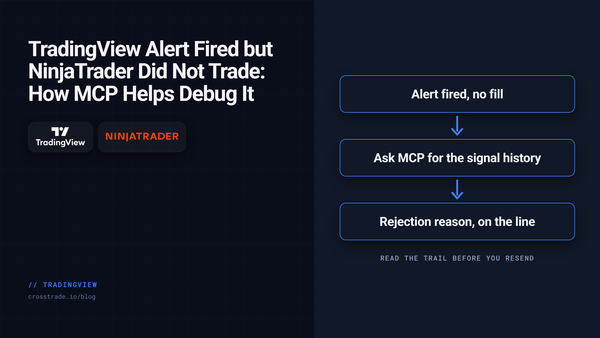
TradingView TradingView Alert Fired but NinjaTrader Did Not Trade: How MCP Helps Debug It The alert fired in TradingView. NinjaTrader stayed flat. CrossTrade MCP lets an AI agent walk the chain from payload to order to fill and tell you exactly where it broke.
TradingView Manual Trading from TradingView to NinjaTrader 8 Using our NT8 trade copier its now possible to manually trade from TradingView to NinjaTrader 8!
TradingView TradingView Alert Presets: Save Your CrossTrade Commands for Instant Reuse TradingView's alert presets let you save configurations as reusable templates. Useful for automation, but webhook URLs aren't saved. What CrossTrade users need to know about this new feature.
TradingView TradingView Multi-Condition Alerts: How to Use Them with CrossTrade TradingView's new multi-condition alerts let you combine up to five conditions into one signal—perfect for CrossTrade users who need precise, confirmed entries before triggering automated trades in NinjaTrader.
TradingView Pine Script v6 Strategy Code Examples Pine Script v6 opens up powerful new ways to build, test, and share trading strategies on TradingView. In this post, we'll walk through practical v6 code examples—ranging from dynamic stop-loss setups to unique position sizing tactics.
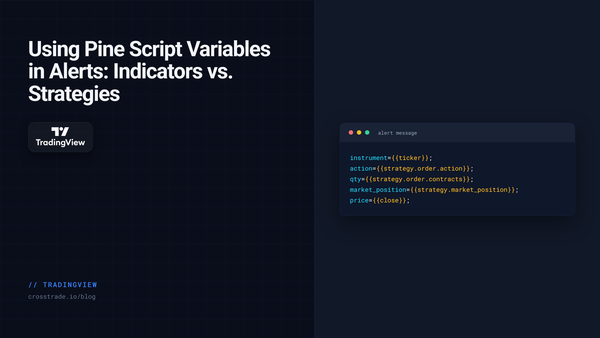
TradingView Using Pine Script Variables in Alerts: Indicators vs. Strategies Master TradingView alert placeholders for indicators and strategies. Learn how to use {{ticker}}, {{strategy.order.action}}, and 20+ other dynamic variables to create powerful, automated alert messages.
TradingView TradingView Repainting: Why Pine Script Strategies Repaint and How to Fix It A strategy that looks perfect in backtests and falls apart live is usually repainting. What repainting is, three tests to catch it, and five Pine Script v6 fixes, with code.
TradingView Honoring the 2025 Pine Script® Wizards CrossTrade is proud to highlight the newly announced 2025 Pine Script® Wizards — a group of talented TradingView developers recognized for their creativity, generosity, and impact on the Pine community.