
From Prompt to Strategy Analyzer: How MCP Changes AI-Generated NinjaScript
The old AI NinjaScript workflow was prompt, paste, hope. The new one is prompt, compile, repair, backtest, compare. Model Context Protocol is what made the difference.

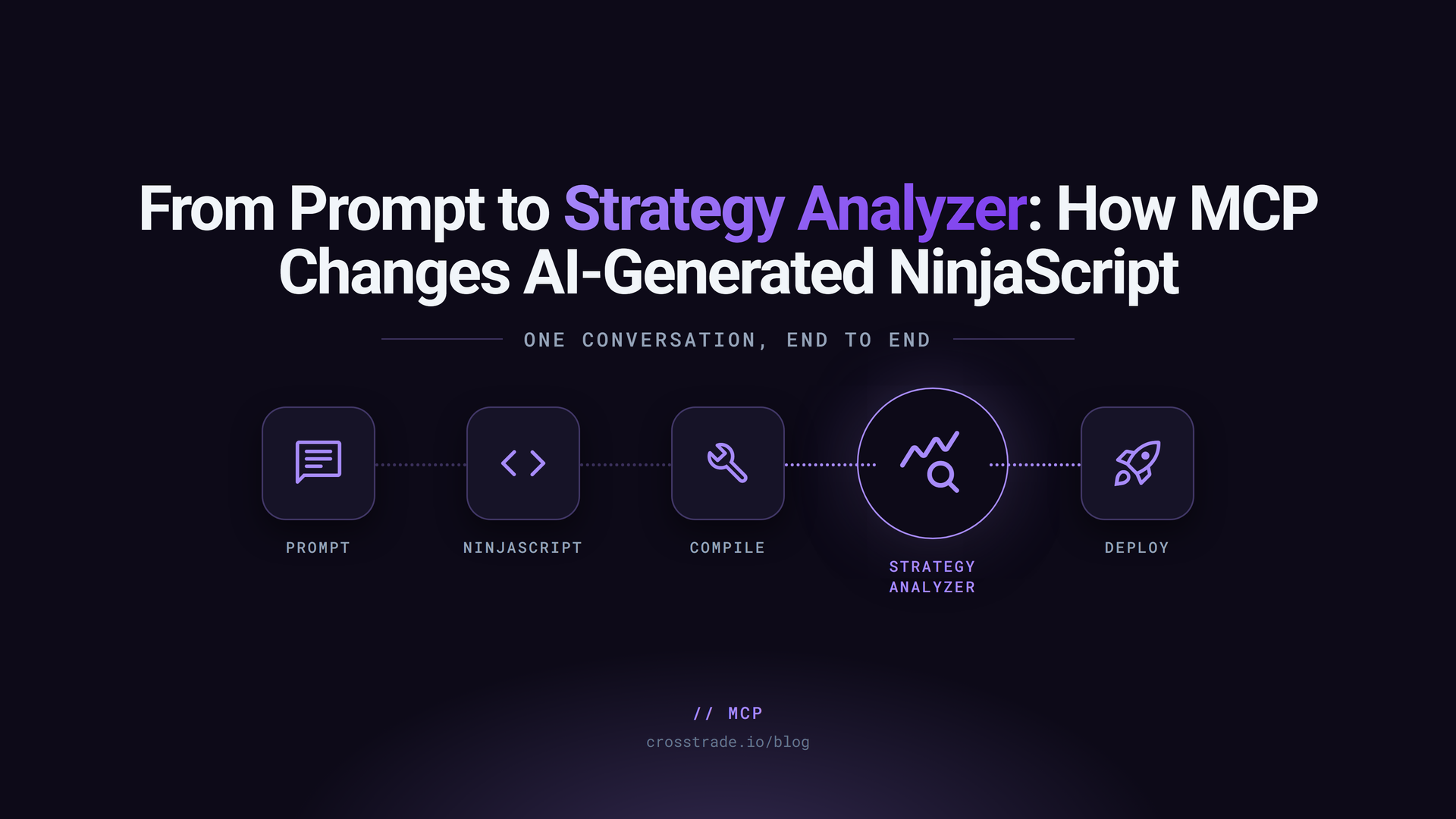
For the last two years, the AI NinjaScript workflow has been the same shape: prompt, paste, hope. You describe a strategy. The model writes C# that looks like NinjaScript. You paste it into NT8. The compile fails. You paste the errors back into the chat. The model swears it understands. New code arrives. New errors. Repeat.
The reason that loop never converges is structural. The model has no access to your install. It guesses every step.
The old workflow: prompt, paste, hope
Pasted-code workflows have three weak points.
First, the model's training data may not match the running NT8 version. NinjaScript overloads change. Indicator names change. The model produces code that compiled in some version of NT8 that is not yours.
Second, the compile diagnostic loses fidelity in the paste cycle. You paste the error line. The model loses the context of the broader file. The next attempt fixes the immediate error and breaks something five lines up.
Third, backtesting happens in a different engine than the one that will run live. The agent might use a Python backtester, or it might generate metrics from a script that does not match NT8's Strategy Analyzer behavior. The "deploy if backtest looks good" decision rests on numbers that have nothing to do with the live engine.
The new workflow: prompt, compile, repair, backtest, compare
CrossTrade MCP exposes typed tools that close each weak point:
GetNinjaScriptHelp,SearchNinjaScriptSymbols,LookupNinjaScriptSymbol: ground the model in your install. No more guessing at overloads.CompileNinjaScript(in_memory: true): compile against the actual NT8 AppDomain. The diagnostic is structured. The agent reads the diagnostic in the same context as the source.RunStrategyBacktest: drives NT8's Strategy Analyzer engine. Single backtests are bit-identical to the UI for the documented reference parameters. The deploy decision rests on the same numbers you would see in NT8 yourself.
The loop becomes: prompt, plan, draft, compile, repair if needed, write file, backtest, sweep, review. Each step is a typed tool call. The agent does the work in one conversation.
Why NT8-native context matters
NinjaTrader is opinionated. Strategy code has to use NT8's bar series, session templates, indicator factory, order helpers, and event lifecycle. Generic C# patterns do not always translate. The agent does not "guess less" by being smarter; it guesses less by being able to look at the real surface.
The most common failure mode in pasted-code workflows is CS0103 The name 'X' does not exist in the current context. The agent's guess at the indicator name was wrong. With LookupNinjaScriptSymbol, the agent finds the right name in one call and rewrites the line. That is the difference between a loop that converges and a loop that doesn't.
What the agent should inspect before writing code
The recommended order:
- Capability check:
GetMcpCapabilities,McpSelfTest. - Account state for context:
ListAccounts,GetConnections. - Symbol surface for every NT8 type and method the strategy intends to use:
GetNinjaScriptHelp,LookupNinjaScriptSymbol. - Existing patterns: read the file at
Strategies/SampleMACrossOver.csto see NT8's house style. - Restate the plan, including chosen overloads, before drafting.
Compile loop example
A typical first compile after the agent's initial draft:
CompileNinjaScript(in_memory: true)
→ success: false
→ errors:
OpeningRangeMES.cs(42,21): CS0103 The name 'OpenRangeHigh' does not
exist in the current context.
The agent's response: call SearchNinjaScriptSymbols("range high") to find the closest matching names, then LookupNinjaScriptSymbol on the chosen one. Rewrite the offending line. Recompile.
On a well-specified strategy, the loop converges in two to four iterations. On a vague spec, the loop never converges because the agent does not know what you want; iterate the prompt, not the parameters.
Backtest result example
After a green compile and a file write, RunStrategyBacktest with realistic commission and slippage returns a metrics block:
{
"NetProfit": 1240.50,
"ProfitFactor": 1.34,
"MaxDrawdown": -380.00,
"TradeCount": 89,
"Sharpe": 0.51
}
The agent applies the user's gates: profit factor > 1.25, max drawdown < $500, trade count > 40. All three pass. The agent reports pass and stops. It does not deploy. It does not auto-confirm. It asks for explicit approval before any next step.

What still requires human judgment
The MCP loop closes the verification gap, not the trading judgment gap. The trader still owns:
- The strategy spec. The agent translates; the trader decides what to build.
- The gates. The agent does not set the profit factor threshold; the trader does.
- The deploy decision. The agent reports; the trader chooses to deploy or not.
- The firm rule check. The agent applies the rules encoded in the prompt; the trader verifies the firm's current rules.
- The session monitoring. The agent reports state; the trader watches the first sessions.
The agent is the risk clerk and the implementation engineer. The trader is the decision-maker.
Start here
For the technical workflow with the full tool sequence, see NinjaScript AI Workflow. For the parity reference, see NinjaScript Backtest Benchmark. For the trader-facing tutorial, see How to Vibe Code a NinjaScript Strategy Without Skipping the Backtest.
Prompt-to-code is half the loop. CrossTrade MCP is the other half.