How One TradingView Alert Reaches Multiple NinjaTrader Accounts
Follow one TradingView alert through CrossTrade to a NinjaTrader 8 source account and mapped followers, then verify the full workflow in simulation.

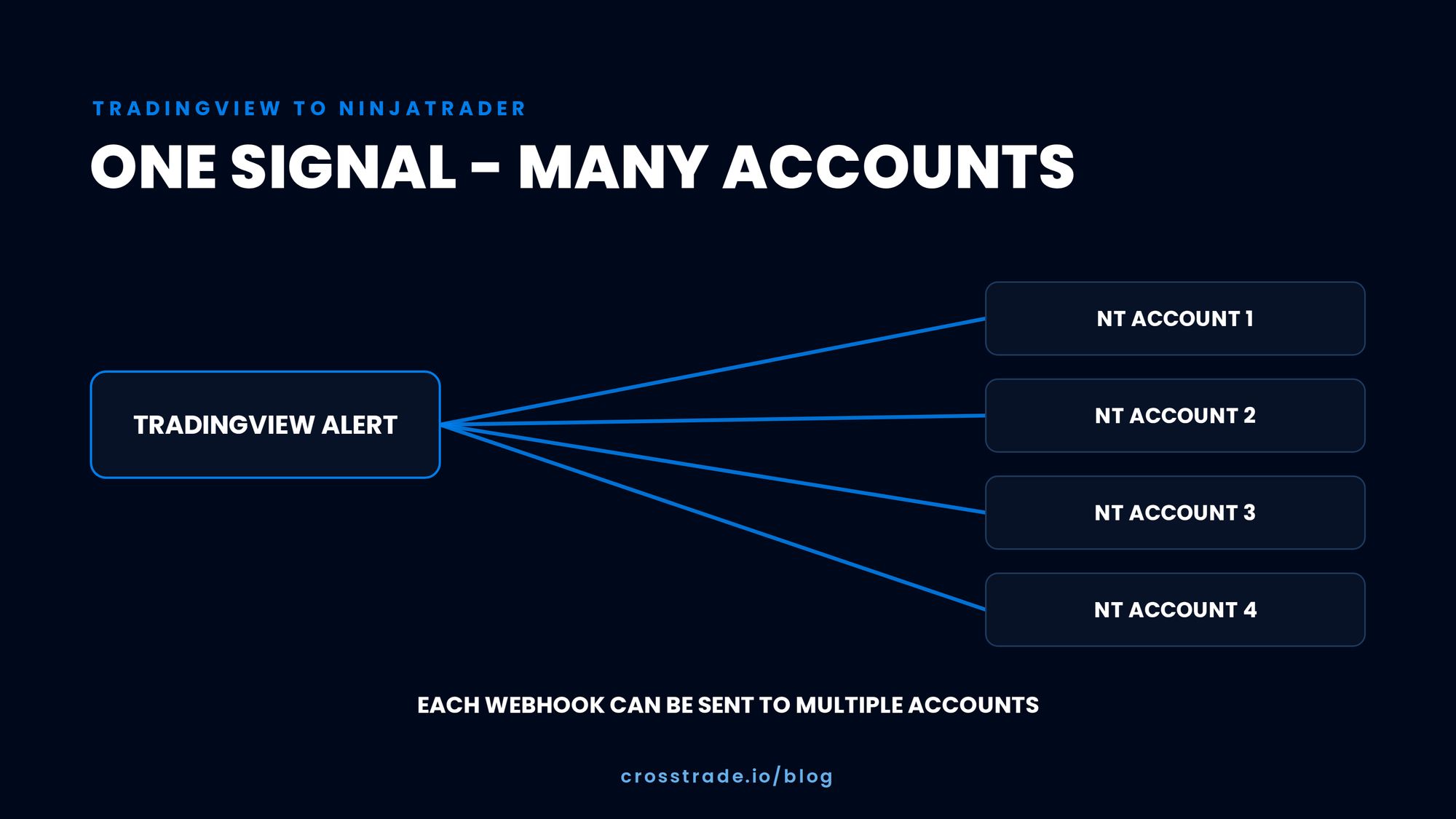
You built one TradingView alert. You do not want to repeat the same order across every NinjaTrader account by hand.
The visible result is simple: one source trade and several follower trades. The path behind it has two separate stages. If you understand those stages, a missed trade becomes easier to diagnose.
- TradingView sends the alert to the source account.
- The copier observes supported source activity and sends the configured action to followers.
A source-order problem and a follower-copy problem are not the same incident.
The complete workflow
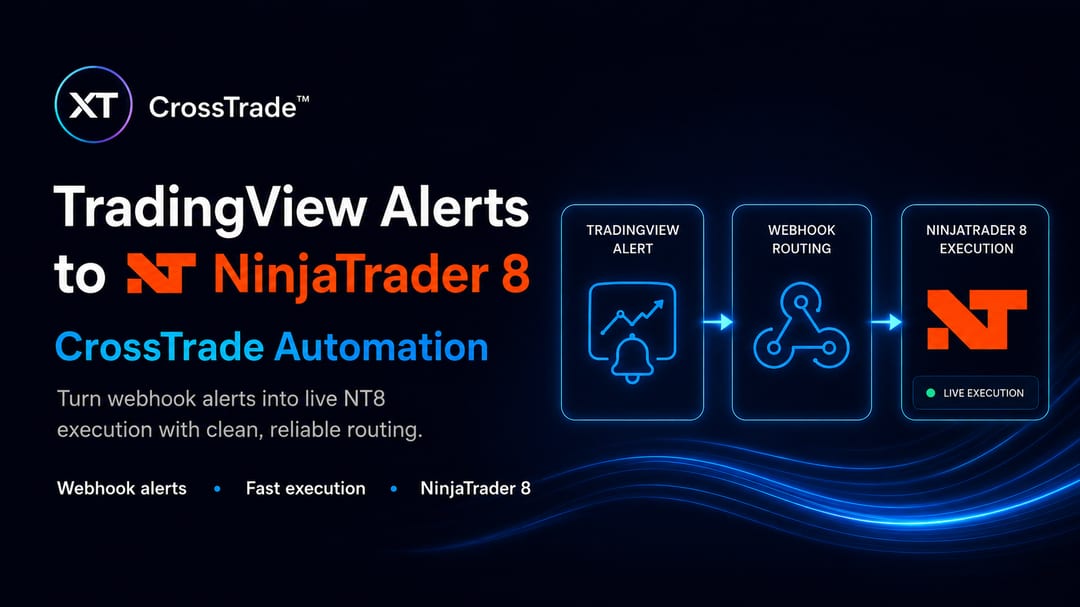
A CrossTrade TradingView-to-NinjaTrader copier workflow looks like this:
- A TradingView alert posts a valid command to a CrossTrade webhook.
- CrossTrade validates the request and routes it to the intended NinjaTrader 8 account.
- The CrossTrade XT Add-On communicates with the connected NT8 platform.
- NinjaTrader submits the supported source-account action.
- The CrossTrade Trade Copier observes the configured source order or execution event.
- The copier applies follower mappings, copy mode, sizing, filters, and instrument rules.
- NinjaTrader submits the supported follower actions.
- You verify source and follower results, including protection and closing actions.
NinjaTrader 8 and the CrossTrade add-on must remain running and connected for this path.
If you want a TradingView alert to reach Tradovate without a local NT8 installation, review the CrossTrade Tradovate workflow.
Stage one: TradingView to the source account
TradingView owns the signal. The alert must fire at the intended time and send the current CrossTrade command format.
CrossTrade owns webhook validation and routing. The request must identify a supported destination, account, instrument, action, quantity, and any other documented fields.
The CrossTrade XT Add-On connects the hosted request to NinjaTrader 8. NT8 owns the broker or account connection and submits the order.
If the source account does not trade, inspect this stage first.
Check:
- TradingView alert history
- Alert frequency and condition
- Webhook URL
- Current CrossTrade webhook syntax
- Account name
- Instrument and contract
- Action and quantity
- CrossTrade signal history
- NT8 connection status
- CrossTrade add-on connection status
- Account controls or trade windows that may block the action
Do not change copier settings until you know the source action occurred.
Use CrossTrade webhook automation and the current webhook documentation instead of copying an old payload from a forum post.
Stage two: Source account to followers
The copier begins after the configured source event.

The leader and follower set in the copier editor
It needs:
- A source account
- One or more follower accounts
- A copy mode
- Quantity rules
- Optional filters
- Optional instrument replacement
- Optional inversion
- An enabled and connected workflow
If the source account trades but one follower does not, inspect this stage.
Check:
- Copier enabled state
- Source and follower map
- Copy mode
- Quantity ratio and follower maximum
- Instrument filter or replacement
- Strategy or order filter
- Follower connection
- Follower position and working orders
- Reject or block reason in copier activity
The source signal can succeed while one follower action fails. That is why the two stages need separate evidence.
Choose order or execution mode deliberately
CrossTrade supports order and execution copy modes.
Order mode focuses on order lifecycle replication. Execution mode responds to fills. The difference matters for partial fills, timing, changes, cancels, and how protection reaches each follower.
There is no useful one-word answer to which mode is best. Test the mode against the exact behavior your TradingView strategy and NinjaTrader order workflow use.
Read the copy modes guide.
Build the smallest test first
Do not start with ten followers and several quantity ratios.
Use:
- One simulation source
- One simulation follower
- One-to-one sizing
- The smallest useful quantity
- No inversion
- No instrument replacement unless required
- No unrelated filters
This gives every mismatch a smaller set of possible causes.
Confirm the account names and contracts before enabling the TradingView alert.
Test the source stage before the copier stage
First, disable or exclude followers and send one simulation alert to the source.
Verify:
- TradingView recorded the alert.
- CrossTrade signal history recorded the request.
- The request selected the expected NT8 source account.
- The source order or execution appeared.
- The final source state matched the command.
If this test fails, fix the webhook path before involving the copier.
Test the full path
Enable the one-follower copier and repeat the simulation alert.
Verify in order:
- TradingView alert
- CrossTrade signal result
- Source order or execution
- Copier dispatch
- Follower order or execution
- Source and follower quantities
- Source and follower protective orders
- Closing action
- Final flat state when the test expects it
Save timestamps and order identifiers. If the result differs, you will know where to start.
Do not stop after the entry
A complete test includes every lifecycle action the real strategy uses:
- Entry
- Stop
- Target
- Change
- Cancel
- Flatten
- Partial fill when the test environment permits it
- Controlled disconnect and reconnect
A copied entry does not prove that a later cancel or protective order will behave as expected.
Use the pre-live verification checklist.
Test recovery in simulation
NinjaTrader connections can fail. The test plan should include recovery.
- Start with known source and follower state.
- Create a controlled test order or position.
- Interrupt the relevant connection.
- Restore it.
- Compare positions.
- Compare working orders.
- Review copier status and logs.
- Reconcile before allowing another alert.
Read connection resilience and Trade Copier troubleshooting before attempting the test.
Add one follower or rule at a time
After the minimal workflow passes, add one change:
- A second follower
- A quantity ratio
- A follower maximum
- An instrument replacement
- Inversion
- A strategy or order filter
Repeat the lifecycle test after each addition. Roll back the last change if the result differs.
This is slower than importing a large account map and clicking enable. It is faster than investigating a live mismatch across every account at once.
What to capture when a follower misses
A useful incident report contains:
- Date, time, and timezone
- TradingView alert identifier or history entry
- CrossTrade signal result
- Source account and follower account
- Instrument
- Order type and quantity
- Source order or execution identifier
- Follower order or execution identifier when available
- Copier group and copy mode
- Expected result
- Actual result
- Reject or block reason
- Position and working-order state after the event
Use the Trade Copier incident explainer to structure the report. Keep account and order details in a secure support channel.
Prop-firm rules are a separate gate
A technically working account map does not prove that a prop firm allows the workflow.
Verify current official rules for automation, copying, account ownership, coordinated activity, position size, and prohibited strategies. Check each program and account type separately.
CrossTrade does not promise firm approval, evaluation passage, payouts, or identical fills.
One service, two questions
CrossTrade brings the two stages into one product:
- TradingView webhook automation for the signal-to-source path
- NinjaTrader Trade Copier for the source-to-follower path
It also provides signal history, copier activity, account controls, REST, WebSocket, MCP, and diagnostic workflows.
The benefit is not that every order must succeed. The benefit is that the trader can inspect the path and know which stage needs attention.
Follow the complete TradingView-to-NinjaTrader copier tutorial for the step-by-step setup.
Start with one alert and one follower
The first test should be boring. One simulation source. One simulation follower. One small alert. One complete entry and exit. Then a reconnect test.
Once that works, add one variable at a time.
CrossTrade is a member of the NinjaTrader Ecosystem. CrossTrade is not affiliated with or endorsed by TradingView, Tradovate, TradeSyncer, or any prop firm. Product and trademark names belong to their respective owners.