
Signal Share: Copy Your Own Trades Between NinjaTrader 8 Installations
Signal Share copies your own trades between your NinjaTrader 8 installations, built for traders whose Rithmic logins need more than one NT8 instance.

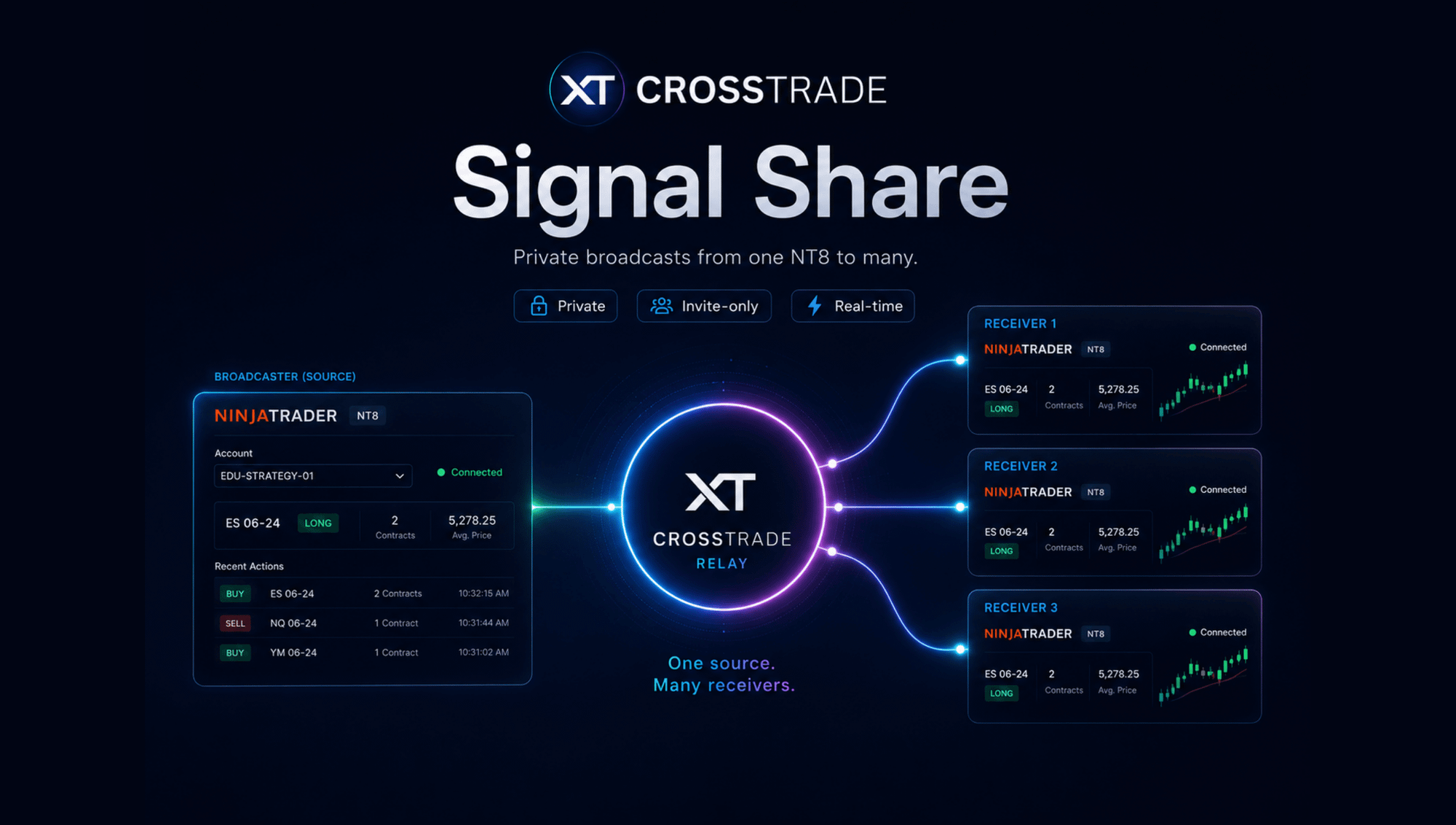
If you trade more than one Rithmic account, you already know the wall. NinjaTrader 8 allows one Rithmic connection per instance, so the moment you hold a second Rithmic login (another prop firm, or a prop account next to your personal one), you need a second NT8 install to reach it. Usually that means a second machine or a VPS. The Trade Copier can't help across that gap, because it copies between accounts inside a single NinjaTrader instance, and your accounts no longer live in one.
Signal Share closes that gap. It carries the trades from one of your NinjaTrader 8 installations to your others, in real time, across machines and VPSs, so every account you run follows the same account activity without you rebuilding each trade by hand.
One trader, several installations
Picture the common setup. Your home PC runs NT8 on your first Rithmic login. A VPS runs a second NT8 instance on another firm's login, and maybe a third VPS holds a personal account. Before Signal Share, keeping those in step meant trading each window yourself, or wiring the same TradingView alert into every instance and hoping nothing drifted.
Signal Share makes one installation the source and the rest follow it. Each installation signs in with its own CrossTrade login. The login on your main machine broadcasts, and your other logins receive. Every receiving account must be yours: Signal Share exists to copy your own trades between your own installations, not to send trades to anyone else.
What gets carried
Signal Share sends the account action itself, not a message describing it. When an order is placed on your source account, each receiving installation places the same order. When you move a stop or a limit, the change follows. When an order is cancelled or rejected, it is cancelled on the other side too.
It doesn't matter how the order started. A click in Chart Trader or the DOM, a NinjaScript strategy fill, a TradingView webhook, or an order placed through the CrossTrade MCP server all count, as long as it lands on the source account and passes the source's filters. That is the difference from webhooks: with a webhook the trigger starts outside NinjaTrader and CrossTrade parses an instruction, while with Signal Share the activity on your source account is the trigger, so nothing has to be re-described or re-sent down a second alert path.
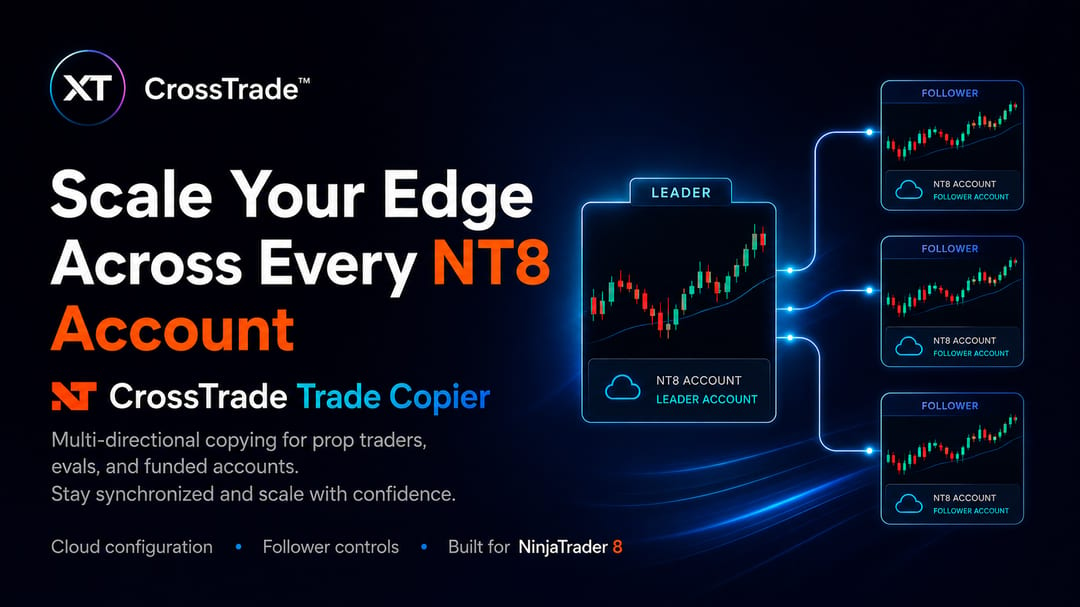
Signals mirror the source one-for-one. If you want a different contract size on a receiving account, route the signals into a Sim account on that installation and use the Trade Copier to scale from there.
How it's set up
On your main installation, you create a broadcast source and choose which account it reads, which instruments count, and which kinds of activity trigger it: manual trades, webhook-driven orders, strategy-driven orders, or any combination. Broadcasting requires the Elite plan.
Then you add your other installations. Each one needs its own CrossTrade login, and you invite that login by email from the broadcast source. A login can't invite itself, which is why each installation has its own. On the receiving installation, you accept the invite, confirm the login is yours, and pick the NinjaTrader account the trades should land in. Receiving works on every plan.

From there, incoming trades enter that installation's normal order pipeline. Account Manager rules, strategy locks and your other protections on the receiving side stay in force, so a daily loss limit on a receiving account still does its job even though the trade started somewhere else.

Built to survive a restart
VPSs reboot and NinjaTrader crashes. If a receiving installation drops off for a moment, it replays what it missed from the last few minutes when it reconnects, and a restart on your main installation doesn't wedge the ones downstream. Both sides keep a log: the broadcasting login shows what was sent and whether each delivery succeeded, and each receiving login shows what arrived, when, and what it did with it. When something looks off, the record lives in CrossTrade rather than in your memory.
Your accounts only
This is worth being plain about. Signal Share is not a signal service, a trade room tool, or a way to follow another trader, and no payments may pass between logins. Every receiving login and every receiving account must be yours. CrossTrade doesn't provide trading signals or recommend traders; it copies your own activity between your own installations. The full rule is in our Terms of Service.
Prop firms draw the same line from their side. Nearly every firm prohibits copying trades between different people, and several limit which copiers you can use even across your own accounts. Check your firm's copy-trading rules before you connect its accounts.
When to use something else
If all of your accounts sit inside one NinjaTrader instance, you don't need Signal Share; the Trade Copier does it in-process with no network in the path. If your trigger starts outside NinjaTrader, like a TradingView alert, webhooks can already send it to multiple accounts directly. And if your accounts are on Tradovate, Signal Share doesn't apply; use the Tradovate Copier between the Tradovate accounts you own.
Signal Share is for the case those can't reach: your own trades, on your own Rithmic logins, spread across more than one NinjaTrader install.
Getting started
Set up a broadcast source on your main installation, invite your second installation's login, accept it on that machine, and place a Sim trade to watch it arrive. The Signal Share docs walk through every setting on both sides, and the Discord is the fastest place to ask.
New to CrossTrade? Start your free 7-day trial.