
Which TradingView Plan Do You Need for Webhook Alerts?
Every paid TradingView plan sends webhooks, so the real choice is alert count and alert lifetime. Which plan fits an automated setup, and the expiry rule that quietly switches bots off.

To automate trades from TradingView, you need an alert that sends a webhook. That rules out one plan and leaves four, and the differences between those four are not the ones most people look at first.
Every paid plan can send webhooks. What changes as you move up is how many alerts you can run at once and how long each alert lives before it switches itself off. For an automated strategy, that second number matters more than the first.
This guide covers what each plan allows, as listed on TradingView's pricing page in September 2026, and how to choose.
The free plan cannot automate anything
TradingView's free plan, Basic, has no webhook notifications. It also has no alerts on indicators or strategies at all, only three alerts on plain price levels. An automated setup needs both a webhook and an indicator or strategy alert, so Basic is out.
Every paid plan includes webhooks. TradingView also requires two-factor authentication on your account before it will send one, whatever the plan.
What each paid plan allows
| Plan | Price, billed monthly | Price, billed annually | Alerts on indicators and strategies | Alerts expire after |
|---|---|---|---|---|
| Essential | $14.95/mo | $12.95/mo | 20 | 2 months |
| Plus | $34.95/mo | $29.95/mo | 100 | 2 months |
| Premium | $69.95/mo | $59.95/mo | 400 | Open-ended |
| Ultimate | $239.95/mo | $199.95/mo | 1,000 | Open-ended |
Prices are TradingView's US list prices in September 2026; tax and regional pricing vary. Each plan also has the same number again for alerts on plain price levels. Plus and above add multi-condition alerts. TradingView offers a free trial on each paid plan, and states that professional users can only buy Ultimate.
The number that switches bots off
Look at the last column again. On Essential and Plus, every alert expires two months after you create it. When it expires, it simply stops. Your strategy keeps running on the chart, nothing warns your broker, and your automation has quietly ended.
Premium and Ultimate offer alerts with no expiry date. Even those switch off if they have gone a year without triggering or being edited, but an active strategy never reaches that.
So the real question is not only "how many alerts do I need" but "am I willing to recreate them every two months". If you choose Essential or Plus, put a reminder in your calendar a week before each alert's expiry date, and check that the new alert matches the old one exactly.
How many alerts an automated setup really uses
Fewer than most people expect, because one alert can trade many accounts.
A strategy needs one alert per chart: one symbol, one timeframe, one alert. The alert sends both entries and exits.
An indicator usually needs two: one for the buy condition and one for the sell condition.
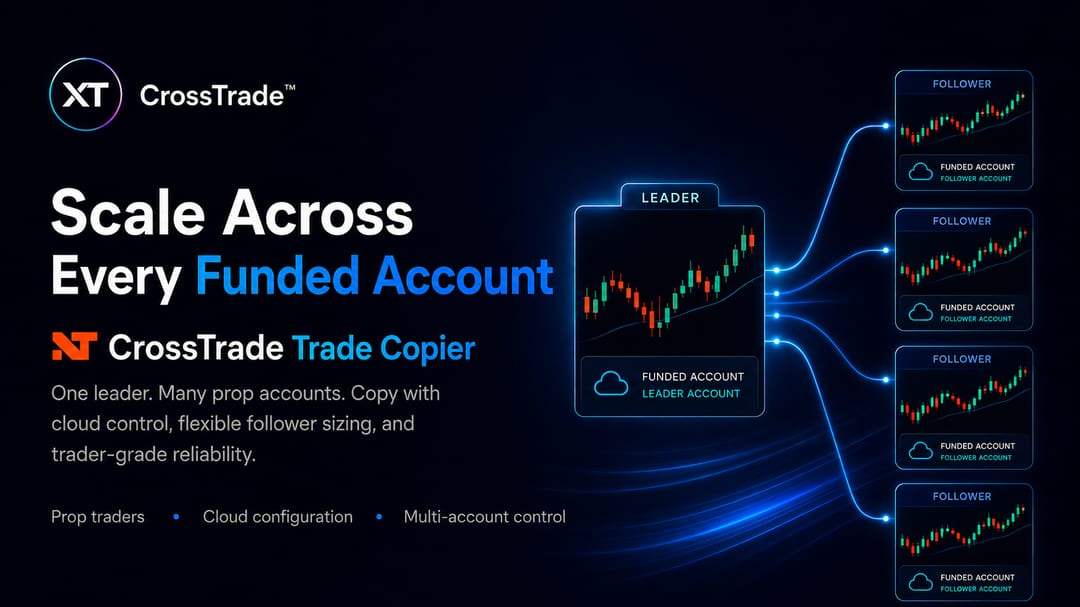
Accounts do not add alerts. With CrossTrade, a single alert can name several accounts, or send to one leader account that a trade copier replays to every follower. Ten prop accounts trading one strategy on one symbol is still one alert.
A setup of three strategies on two symbols each is six alerts, well inside Essential's 20.
Which plan to choose
One to a few strategies, and you will recreate alerts on schedule: Essential. Twenty indicator and strategy alerts cover most personal automation.
Several strategies across many symbols, or you want multi-condition alerts: Plus.
You want alerts that do not expire, or you run automation you cannot babysit: Premium. For many automated traders this is the plan that actually fits, because it removes the two-month cliff.
You trade professionally, or need more than 400 alerts: Ultimate.
One more rule: downgrading stops every active alert. If you move to a cheaper plan, restart the alerts you need afterwards, within the new plan's limits.
Frequently asked questions
Can I use TradingView webhooks on the free plan?
No. The free Basic plan has no webhook notifications and no indicator or strategy alerts. Every paid plan includes both.
What is the cheapest TradingView plan with webhooks?
Essential. It includes webhooks and 20 alerts on indicators and strategies, but its alerts expire after two months.
Do TradingView alerts expire?
On Basic after one month, and on Essential and Plus after two months. Premium and Ultimate offer open-ended alerts, which switch off only after a year with no triggers or edits.
Do I need a separate alert for each account?
Not with CrossTrade. One alert can list several accounts, or feed a trade copier that replays each trade to every follower account.
Do TradingView webhooks need two-factor authentication?
Yes. TradingView only sends webhook alerts from accounts with two-factor authentication turned on.
Connect your first alert
Pick the plan, create one alert, and point it at a Sim or Demo account first. If you are new to CrossTrade, start a free 7-day trial, and ask about your setup in the CrossTrade Discord.
CrossTrade is execution and automation software, not a broker, financial adviser, or trading strategy. TradingView's plans, prices and limits are set by TradingView and change; check its pricing page before you buy. Futures trading involves substantial risk. Test every automated workflow in simulation and verify orders at your broker.