
Tradovate Group Trade vs a Trade Copier: When the Built-In Tool Is Enough
Tradovate's Group Trade trades several accounts in one click, with real limits: same provider only, no ATMs, fixed multiples, no external trigger. When it is enough, and when a copier is.

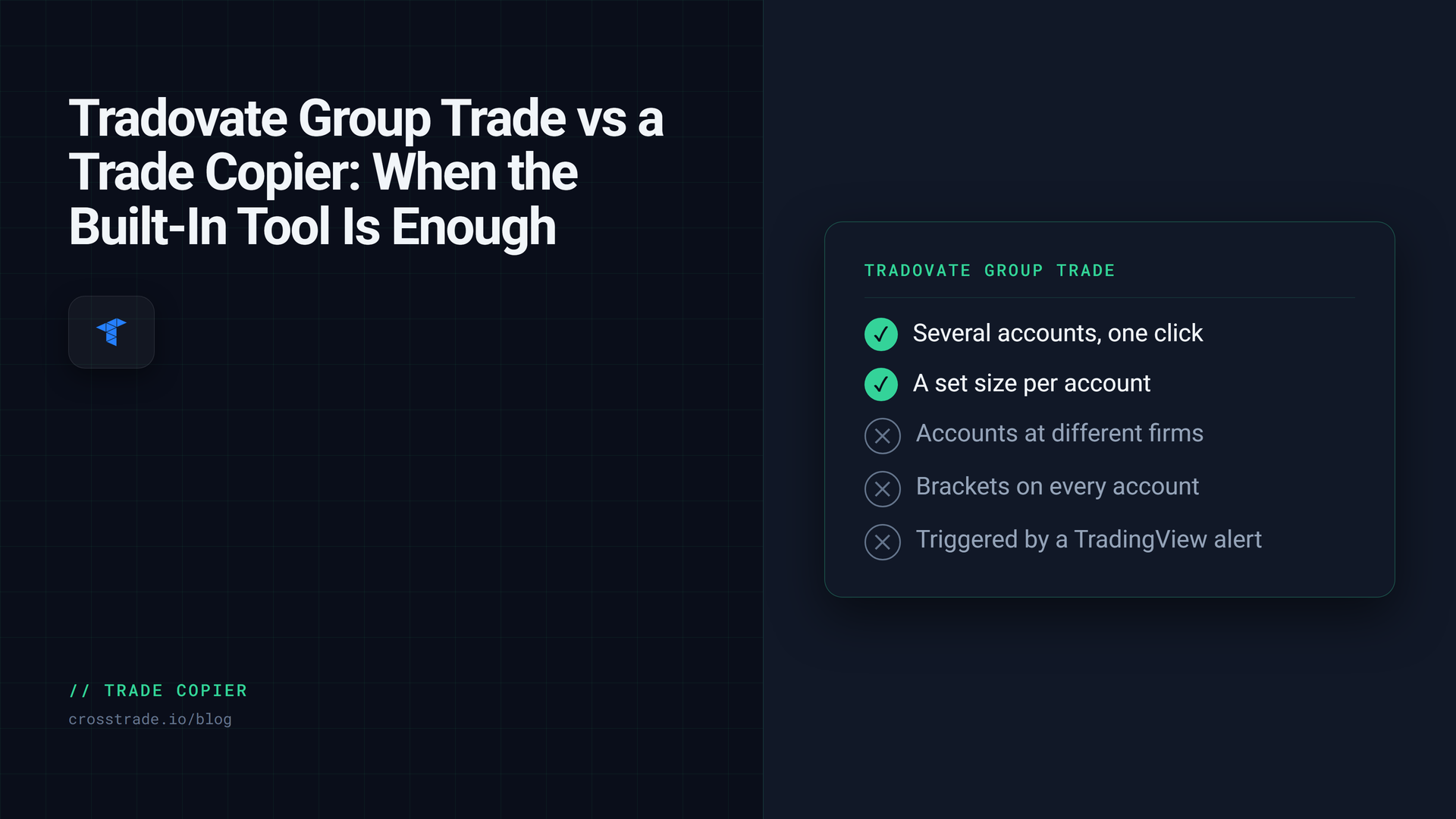
Tradovate has a built-in way to trade several accounts at once. It is called Group Trade, it lives in the account dropdown of the Web and Desktop apps, and for a lot of traders it is the first thing they try before paying for a copier. Sometimes it is all they need. Often it is not, and the reasons are specific enough to be worth writing down.
This is a plain comparison of what Group Trade does, where it stops, and when a third-party copier such as the CrossTrade Tradovate Copier is the right tool instead. Everything about Group Trade below comes from Tradovate's own Group Trade article, updated in August 2026.
What Group Trade does
You create a group, drag accounts into it, and set an order quantity for each account. The first account you add becomes the lead. When you select the group in the account dropdown and submit an order, Tradovate splits it across every account in the group according to those quantities. A confirmation dialog shows the individual orders, and afterward each account's orders and positions appear in the normal modules. With the group selected, the SuperDOM and chart show the aggregated P/L for the whole group.
That is a real feature, and for the case it was designed for it works: several accounts under one login, the same contract, the same moment, one click.
Where it stops
Tradovate's article is unusually direct about the limits, and they matter more than the feature list.
Same provider only. Group Trade can only group accounts held with the same brokerage provider. Two Tradovate brokerage accounts under one username can be grouped. Two accounts from the same prop firm can be grouped. A Tradovate brokerage account and a prop firm account cannot, and accounts at two different prop firms cannot. If your accounts span firms, Group Trade is out before you start.
No ATM strategies. Group Trade does not support ATM strategies, so a bracket does not ride along with the entry. You place stops and targets by hand as stop market and limit orders, with manual OCO pairing if you want them linked. For groups larger than five accounts, ATM strategies are disabled outright, and Tradovate notes that large group orders may exceed API rate limits.
Quantities are multiples of the group total. If your group has three accounts at one contract each, the group total is three, and every order you submit must be a multiple of three. You cannot send a two-contract trade to a three-account group. Per-account sizing is fixed at configuration time, not per trade.
It is a click, not an event. Group Trade is a feature of the order-entry windows in the Web and Desktop apps. It fires when you submit an order with the group selected. It is not available on the Tradovate mobile app, and it is not something a TradingView alert or an external system can target. If a signal arrives while you are away from the screen, nothing is placed.
Removing a group with open positions closes them. If you delete a group while its accounts hold positions, only the lead account keeps its position. Positions on every other account are closed automatically. Tradovate's article tells you to flatten first for this reason.
And one line from the article that settles a common misconception: Tradovate does not offer native trade copier add-ons, only group trading. Everything else is third-party.
When Group Trade is enough
Be honest about this before paying for anything. Group Trade is the right tool when all of the following are true.
Your accounts are under one login, or all at one firm. You trade the same contract on all of them. You are at the screen and clicking your own entries. Your per-account sizes fit a fixed multiple, and you do not need to change them trade by trade. You are comfortable placing exits manually, or your group is five accounts or fewer and you can live without an ATM.
If that describes you, a copier adds a subscription and a layer you do not need. Use the built-in tool.
When you need a copier
The moment any one of those conditions breaks, you are in copier territory. These are the breaks we see most often.
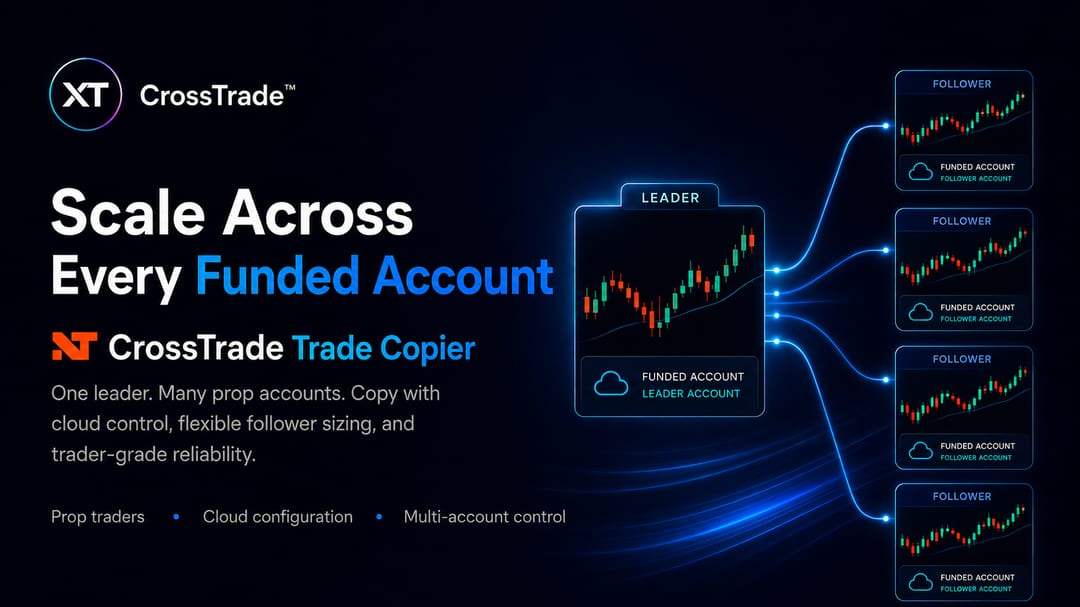
Accounts at more than one firm, or a personal account plus a firm account. The CrossTrade Tradovate Copier links each Tradovate login as its own identity, a firm login through Link Demo and a personal brokerage login through Link Live, and one copier can have followers from several identities. Copying from a personal account to a firm account, or across two firms, is the normal case rather than an exception. Whether your firm allows it is the firm's rule to set; several do, and the ones that do typically require that every account is your own.
The trades come from TradingView, not your mouse. A TradingView alert with destination=tradovate; targets one leader account. In signal mode the copier replays that command to every follower with the follower's own sizing, and it does so on CrossTrade's servers, with your computer off. Group Trade has no equivalent because nothing external can select a group.
You want a bracket on every account without placing it by hand. In signal mode a take profit and stop loss on the leader's alert become the same broker-hosted bracket on each follower. In order mode, which mirrors the leader's working orders, a stop you place on the leader appears as a stop on each follower. Only execution mode, which copies fills as market orders, leaves followers without resting exits, and it says so up front.
Different sizes on different accounts, changed without touching the alert. Each follower has its own quantity ratio, fixed quantity, or Max Position Size cap, plus symbol replacement (ES=MES to trade micros on a smaller account) and an instrument filter. All of it is configured in CrossTrade, so resizing a follower never means rebuilding a group or editing a TradingView alert. There is no multiple-of-total rule: the leader trades whatever size it trades, and each follower scales from there.
You want to know what happened. Every copy, rejection, skip, and drift warning goes to a copy log with leader and follower order IDs. Auto-Sync compares leader and follower direction after each copy and flags a mismatch; in execution mode it also places rate-limited corrections. Group Trade shows you the orders it sent and nothing after that.
You want account-level limits per follower. The Tradovate Account Manager gives each account its own daily loss limit, profit target, trailing drawdown, and flatten time, enforced server-side. A follower that trips its limit stops accepting signals and, if you enabled it, is closed, while the leader and the other followers keep going. Group Trade has no per-account rules; the firm's risk engine is the only line.
A side-by-side
| Tradovate Group Trade | CrossTrade Tradovate Copier | |
|---|---|---|
| Accounts | Same provider only | Any linked identity, across firms and Live/Demo |
| Trigger | Your click in Web or Desktop | Webhook, manual trade, or working order, depending on mode |
| Runs with computer off | No | Yes, server-side |
| Brackets | Manual, no ATM; ATM disabled above 5 accounts | Mirrored in signal and order modes |
| Sizing | Fixed per account; orders in multiples of group total | Ratio, fixed, or capped per follower; symbol replacement; no multiple rule |
| Per-account risk rules | None (firm rules only) | Account Manager monitors per account |
| Log | Order confirmation dialog | Copy log with order IDs, rejections, drift |
| Cost | Platform feature | Pro plan |
What a copier does not fix
A copier is not a way around your firm's rules. Every follower is judged on its own daily loss, drawdown, and end-of-day rules, and "copy your own accounts only" is the most common policy at the firms that allow copying at all. It is also not instant across accounts: one leader action fans out to followers concurrently, but broker response and fill timing can still differ by account, which is why the copy log exists.
And if Group Trade genuinely fits your setup, the honest advice is to use it. The list above is not a sales pitch. It is the set of conditions under which the built-in tool stops working, so you can tell which side of the line you are on.
Frequently asked questions
Is Group Trade free?
Tradovate describes it as an account add-on that comes with the platform, and there is no separate copier product to buy from Tradovate. Check your account's add-on list for anything that applies to you.
Can I use Group Trade with a TradingView alert?
No. Group Trade fires when you submit an order in the Web or Desktop app with a group selected. External signals cannot target a group.
Can Group Trade copy across two prop firms?
No. Accounts must be with the same provider. A third-party copier that links each firm login separately can.
Do brackets copy in Group Trade?
No. ATM strategies are not supported, and for groups over five accounts they are disabled. Stops and targets are placed manually on each account.
Can I run Group Trade and a copier at the same time?
Do not copy the same activity twice. If a copier is replaying a leader account to followers, those followers should not also be in a Tradovate group with that leader, or they receive each trade twice.
Try the copier on Demo
Link a Demo identity, create one copier from one account to one follower, and send a single alert. The copy log shows exactly what was sent where. If you are new to CrossTrade, start a free 7-day trial, and compare notes in the CrossTrade Discord.
CrossTrade is execution and automation software, not a broker, financial adviser, or trading strategy. Group Trade behavior is described from Tradovate's own documentation as of August 2026 and may change. Futures trading involves substantial risk. Test every automated workflow in simulation and verify orders at your broker.