CrossTrade Q4 2025 Recap: A Quarter of Major Releases
Our biggest quarter yet: CrossTrade VPS, Trade Copier launch, Hybrid Mode, Account Visibility Manager, and a stack of features driven by your feedback. Here's everything we shipped.

Q4 2025 was our biggest quarter yet. We shipped a new product, overhauled our core tools, and delivered feature after feature based on your feedback. Here's everything that went live.
New Product: CrossTrade VPS
In December, we launched our own Chicago-based Virtual Private Servers designed specifically for CrossTrade and NinjaTrader 8 users. No more hunting for third-party hosting or dealing with separate support tickets. Every VPS comes pre-installed with CrossTrade and NT8, runs on AMD EPYC processors with NVMe storage, and sits under 1ms from the CME.
Plans start at only $29/month for 4 cores and 8GB RAM, scaling up to 24 cores and 64GB RAM for heavy automation users. One product, one support team, one bill.
Trade Copier: Officially Live
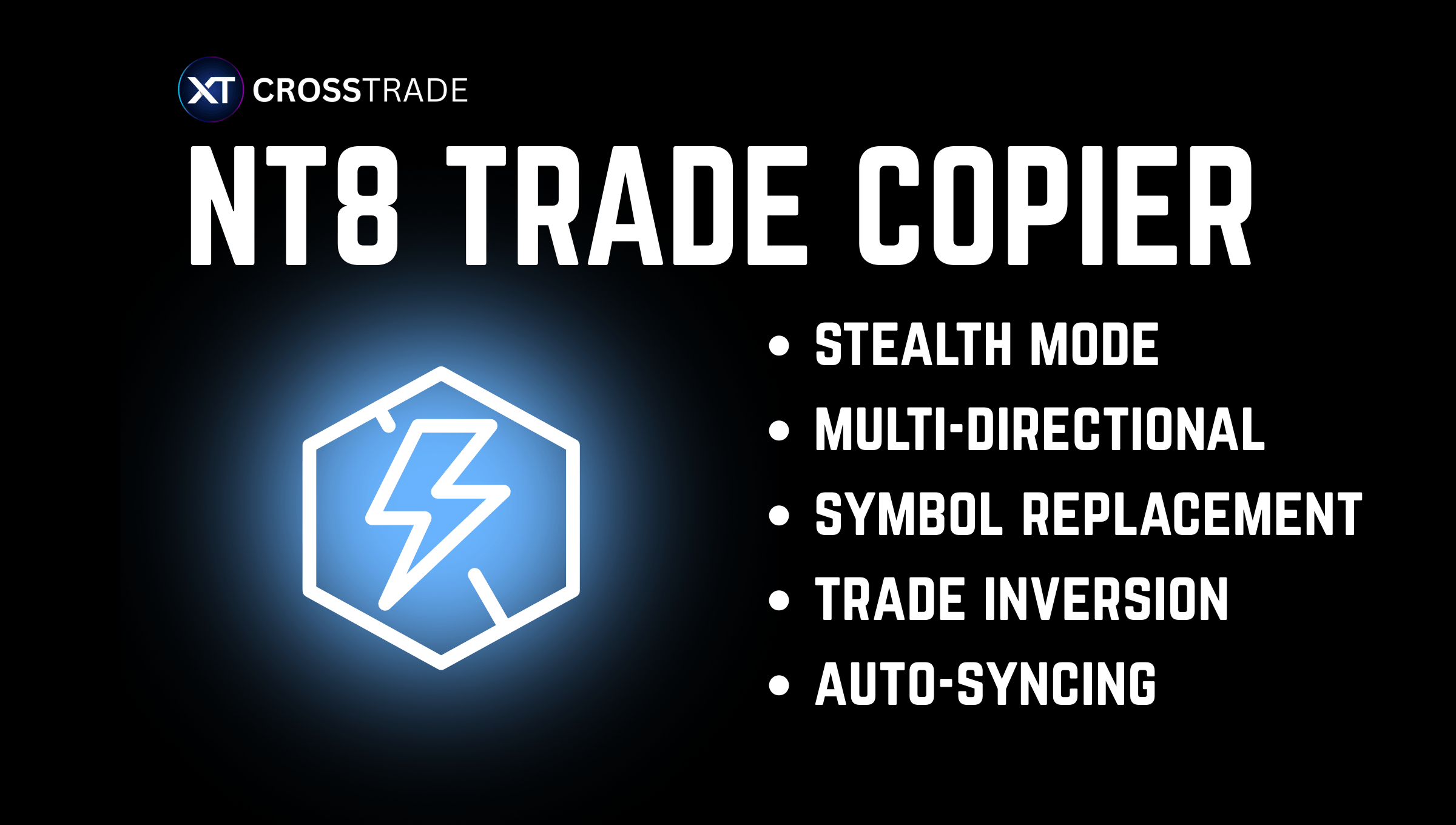
October marked the official release of the Trade Copier with add-on version 1.11.2. Copy trades locally on NT8 or via external webhooks from TradingView and private algos. The copier also supports manual trading from TradingView to NT8 by using the NT/Tradovate API.
But that's not all—v1.11.2 introduced instant quoting. Previously, continuous contracts, limit prices, and percentage-based TP/SL required a round-trip to the add-on for price calculation. Now we stream quotes directly from NT8 and cache them for instant retrieval. If you use any order options that require quotes, your orders just got significantly faster.
Hybrid Mode for Account Management
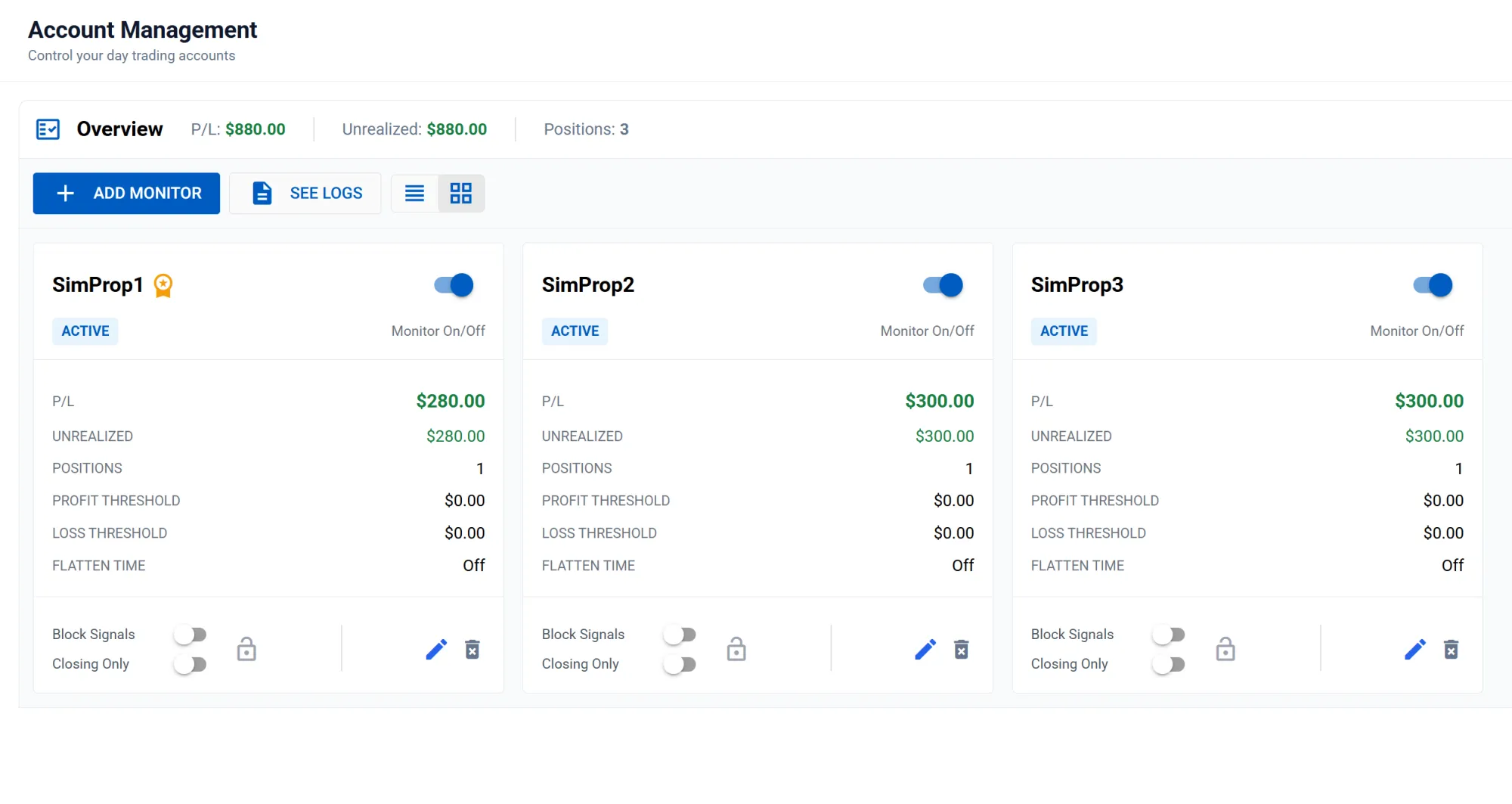
Based on your feedback, we built a third monitor mode that sits between Standard and Unrealized.
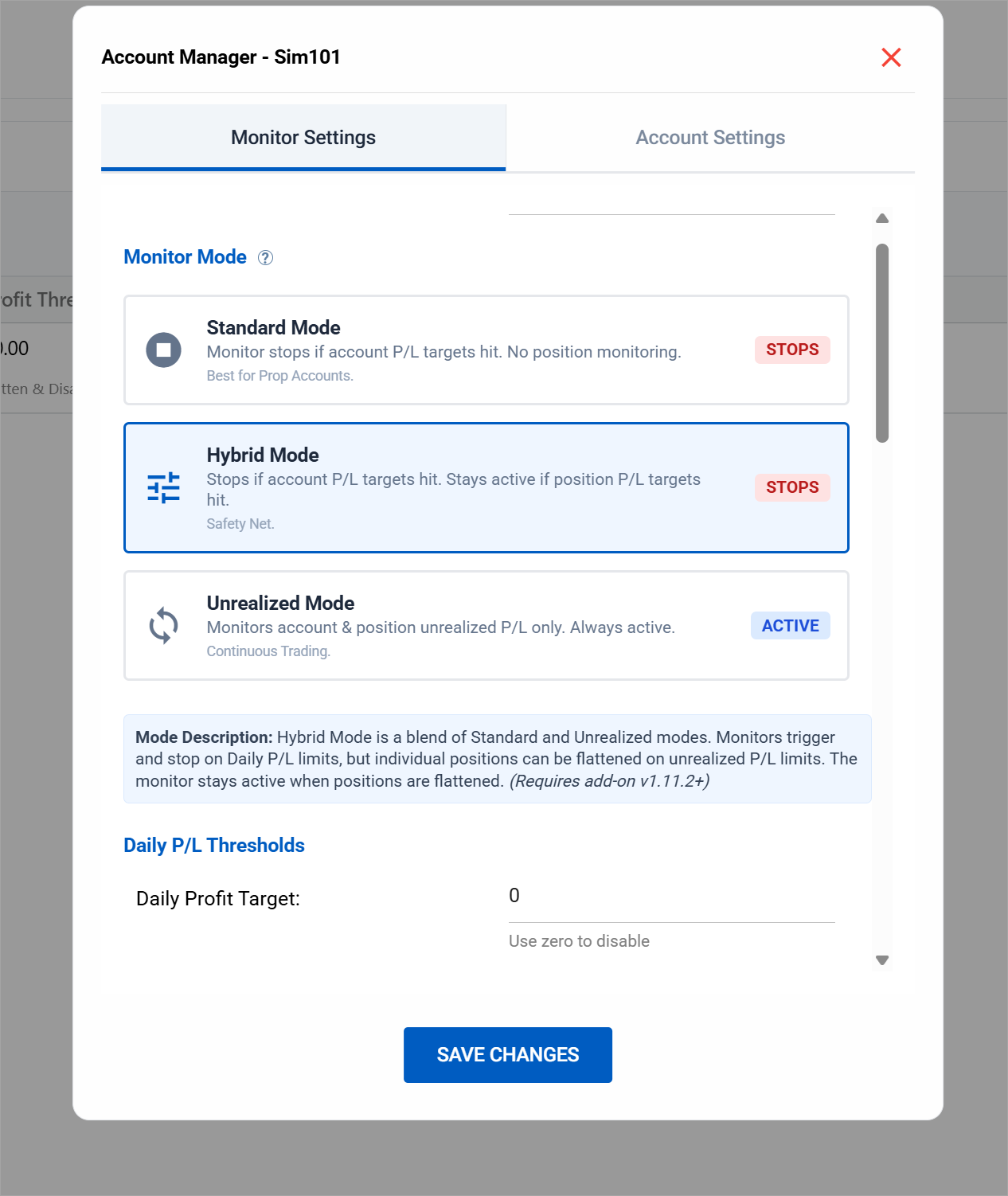
Hybrid Mode gives you the safety of hard account stops with the flexibility of position-level management. Your Daily Profit and Daily Loss limits act as hard stops—hit either one and the monitor stops for the day. But you can also set Max Position Profit and Max Position Loss targets that operate independently. When a single position hits its limit, the monitor flattens only that position and keeps running.
Cut a loser early or lock in a runner without killing your entire session. Your daily max loss is still there as a fail-safe.
Account Visibility Manager
If you've been trading for a while, your account dropdowns were probably cluttered with old, inactive accounts. Not anymore.
The new Account Visibility Manager lets you hide any accounts you don't want to see (as long as they're not actively in use). Click the visibility icon in Account Manager or Trade Copier, toggle off the accounts you want to hide, and enjoy a cleaner interface.
We also refreshed the UI on both pages with a unified layout, overview bar, and a new Flatten button on the Trade Copier. We are continually updating both tools to refine the UI and ad other quality-of-life improvements.
Monitor Lock & Non-Emotional Colors
Two highly requested features landed in November as part of our Account Manager revamp.
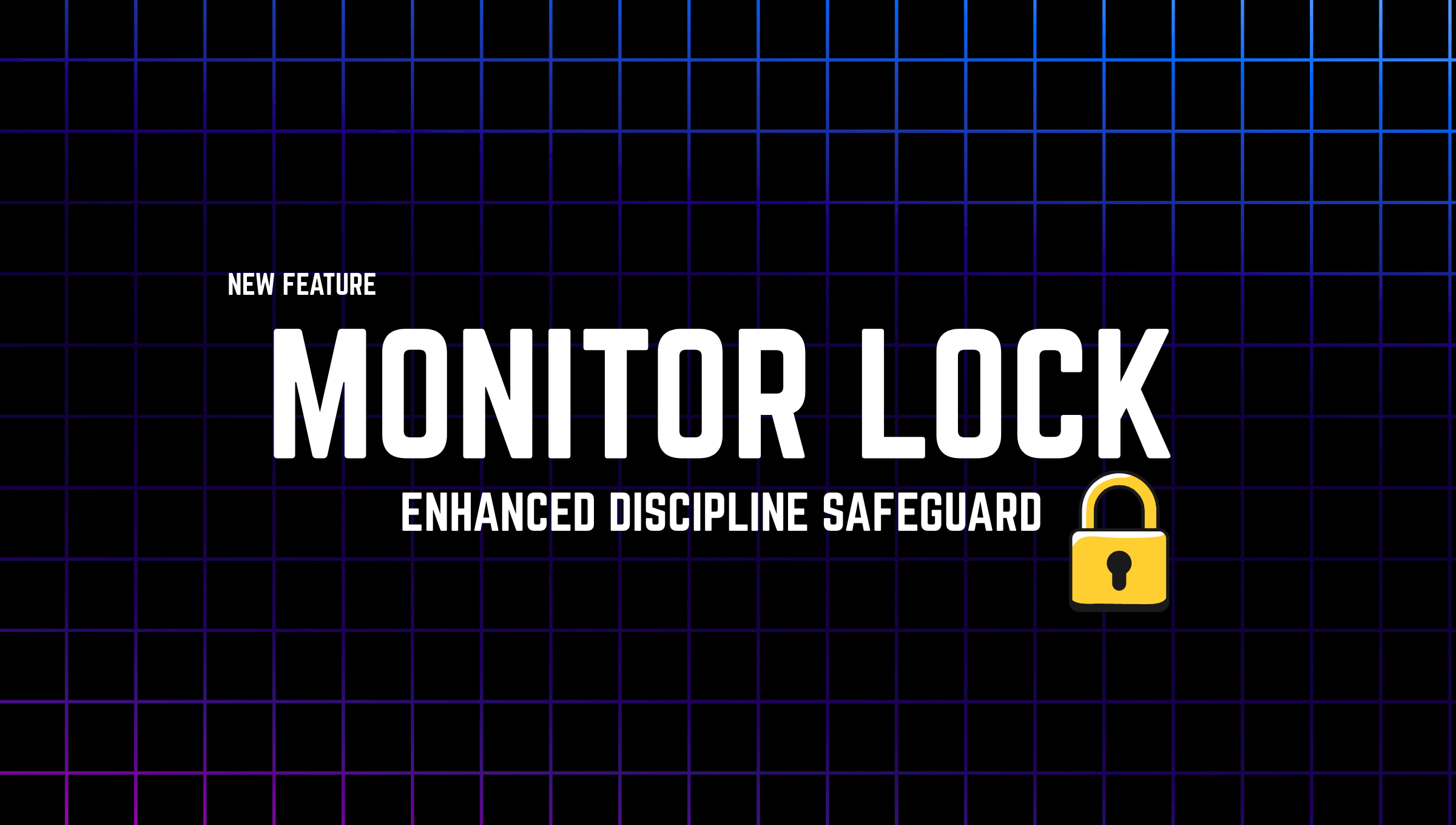
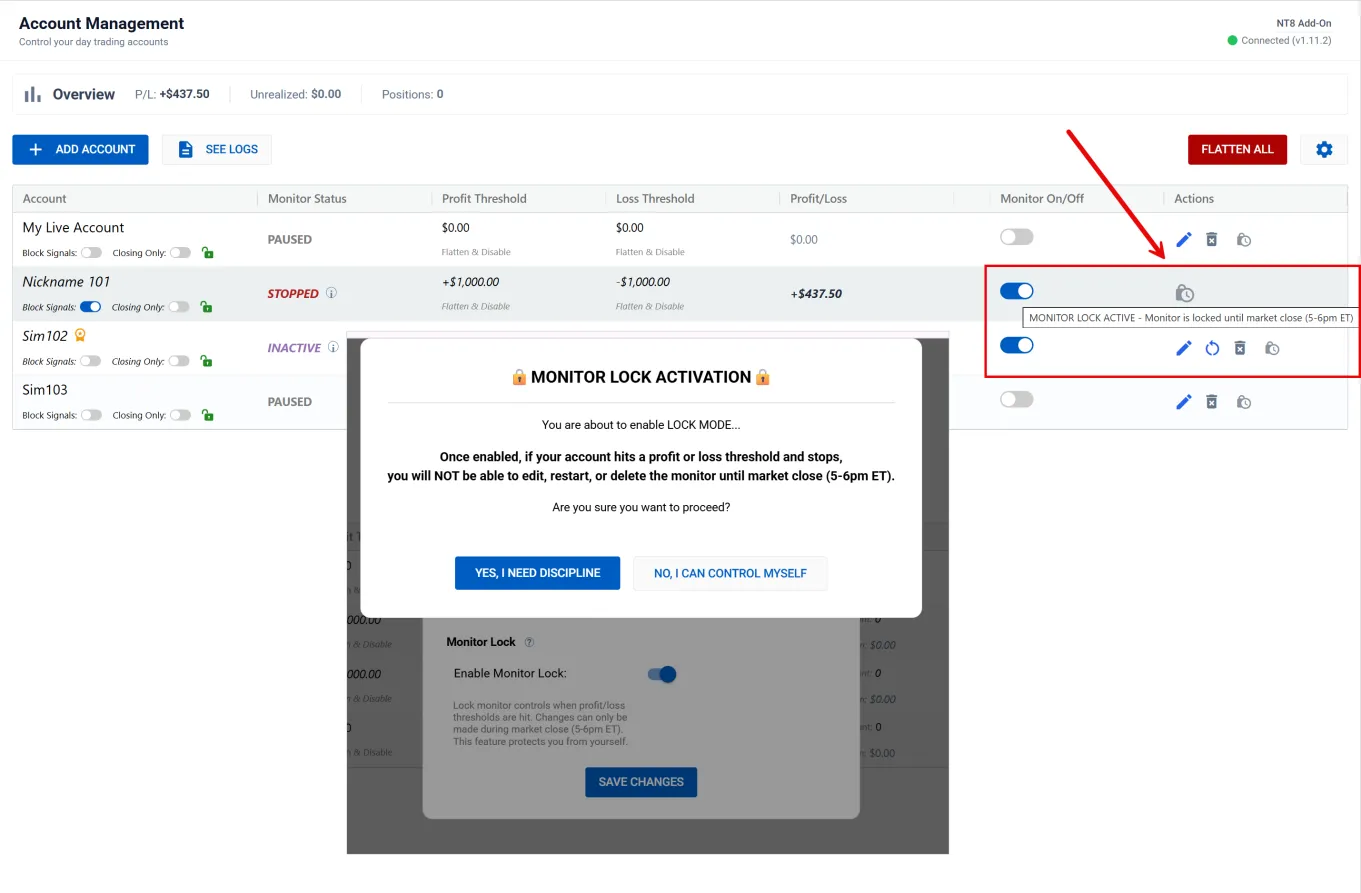
Monitor Lock prevents you from restarting a monitor mid-session. When the monitor says you're done for the day, you're done. No more revenge trading.
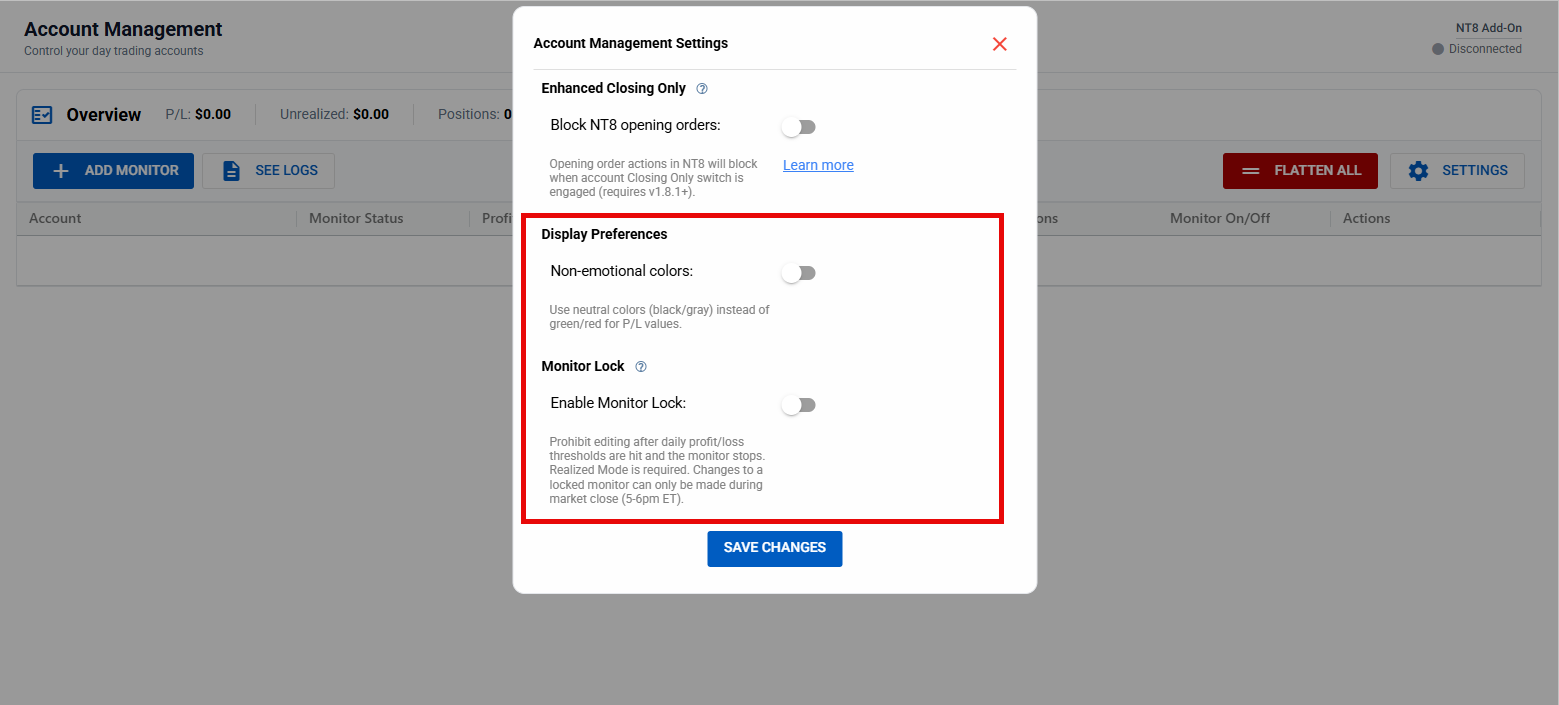
Non-Emotional Colors removes the green/red color scheme that triggers dopamine hits on wins and cortisol spikes on losses. If you're working on your trading psychology, this one's for you.
Both settings are available in Account Management under the gear icon.
Exit Signal Blocking for Strategy Sync
This one's been requested for a long time. The new strategy_exit_block parameter lets you run TradingView strategies that only allow opening orders—positions can be fully managed on NT8 with brackets, ATMs, or manual exits without TradingView interfering.
The use case: you open a position from TV with an ATM attached. The ATM closes the position before TV's exit signal fires. Without exit blocking, you'd get a signal for a position that no longer exists. With strategy_exit_block=true, that's no longer possible.
Trade Copier Instrument Conflict Fix
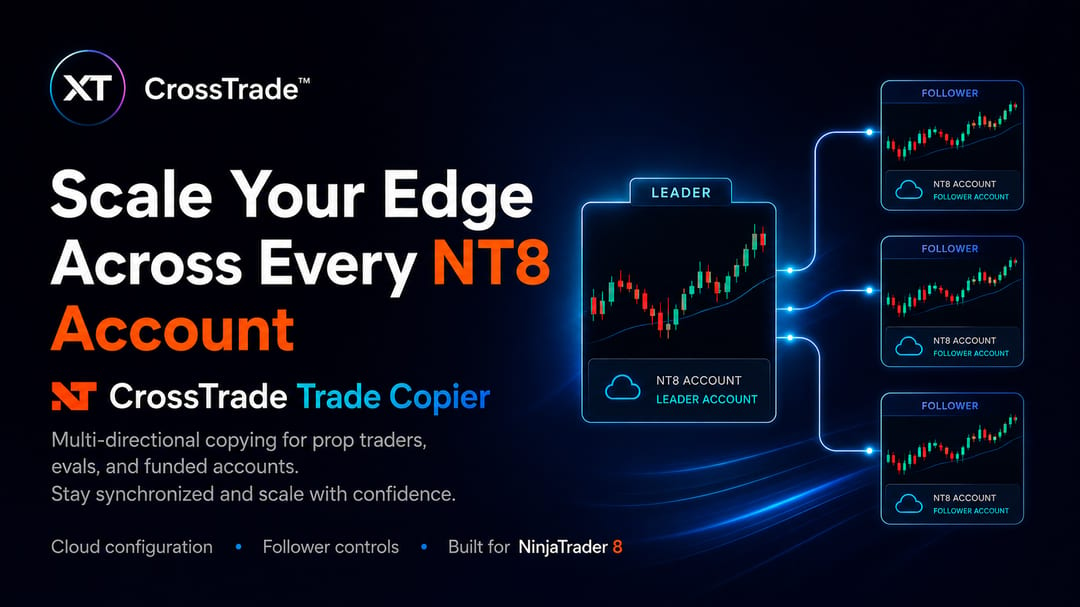
You asked, we delivered. Follower accounts can now copy the same instrument from multiple leaders—as long as Auto-Sync is disabled.
This unlocks multi-strategy setups where you're running different leaders on the same instrument across different timeframes or trade windows. We now only evaluate instrument conflicts when Auto-Sync is on.
Quality of Life Improvements
We also shipped several smaller improvements throughout the quarter:
- TradingView Contract Conversion: Non-continuous contract formats like
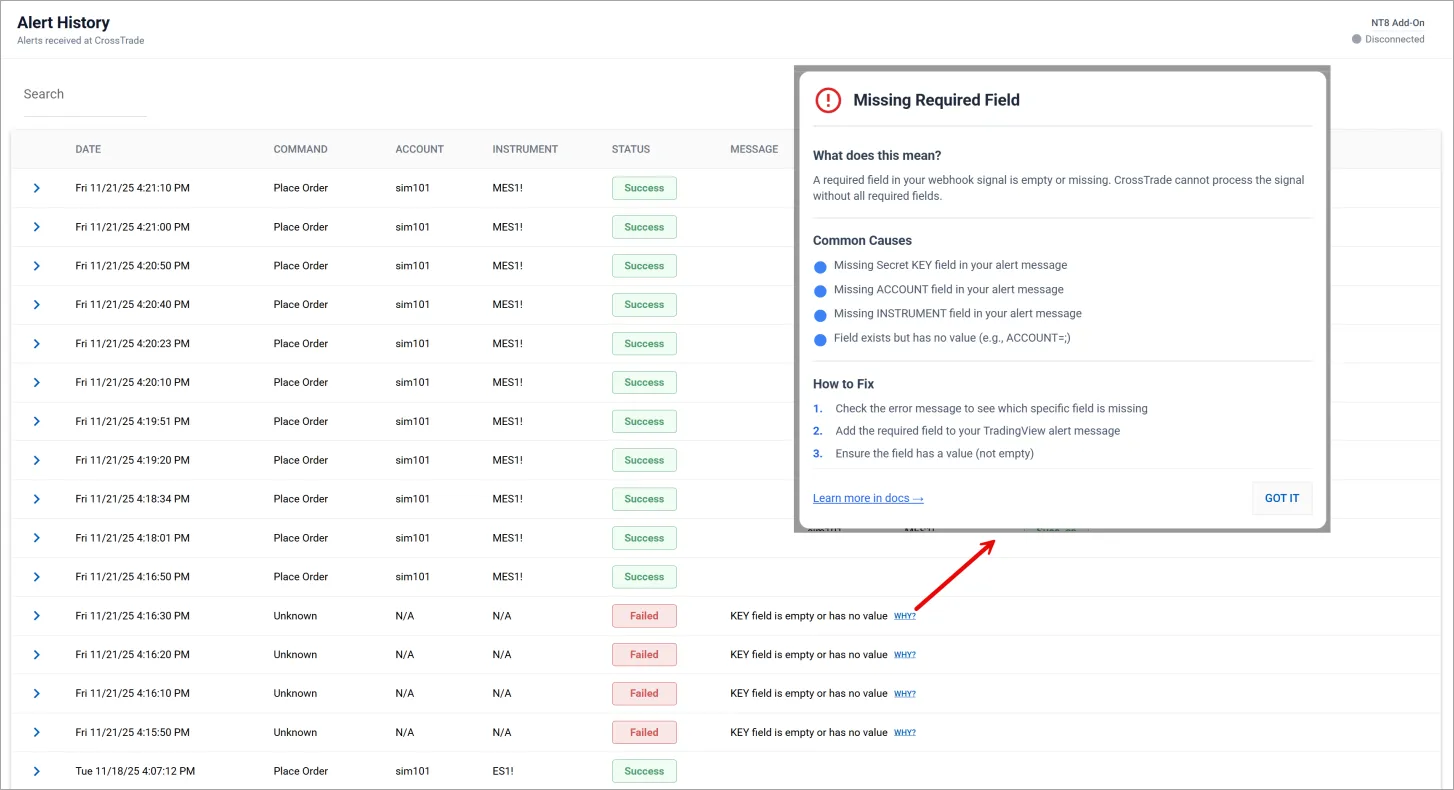
ESZ2025are now automatically converted to NT8-compatible symbology (ESZ5). No more Alert History warnings for format mismatches. - Alert History Help Modals: Click the "WHY?" link on any error or warning in Alert History to get a contextual explanation and link to the relevant documentation.
What's Next
We're kicking off 2026 with Copier Groups—a new way to organize and manage multiple copiers at once. Create groups, apply settings to all members, and enable/disable entire groups with a single click.
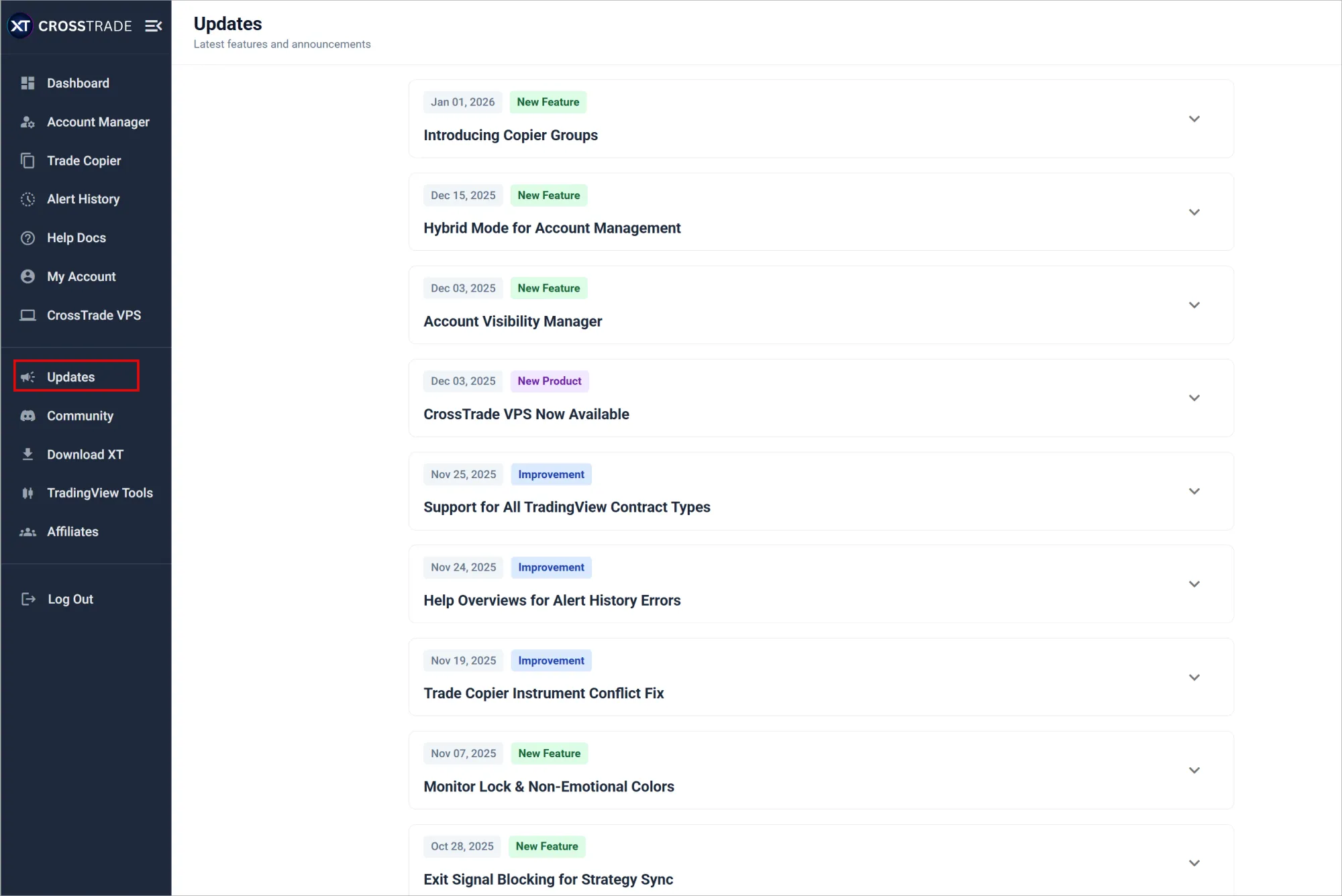
We've also created a new Updates page right inside of our app so you can stay on top of every important update we make to the CrossTrade platform moving forward!
Thank you for an incredible Q4. Your feedback drives everything we build. See you in 2026 with an entirely new list of updates, improvements, and new tools to take your trading to the next level.
— The CrossTrade Team