Can I control NinjaTrader 8 from my phone?
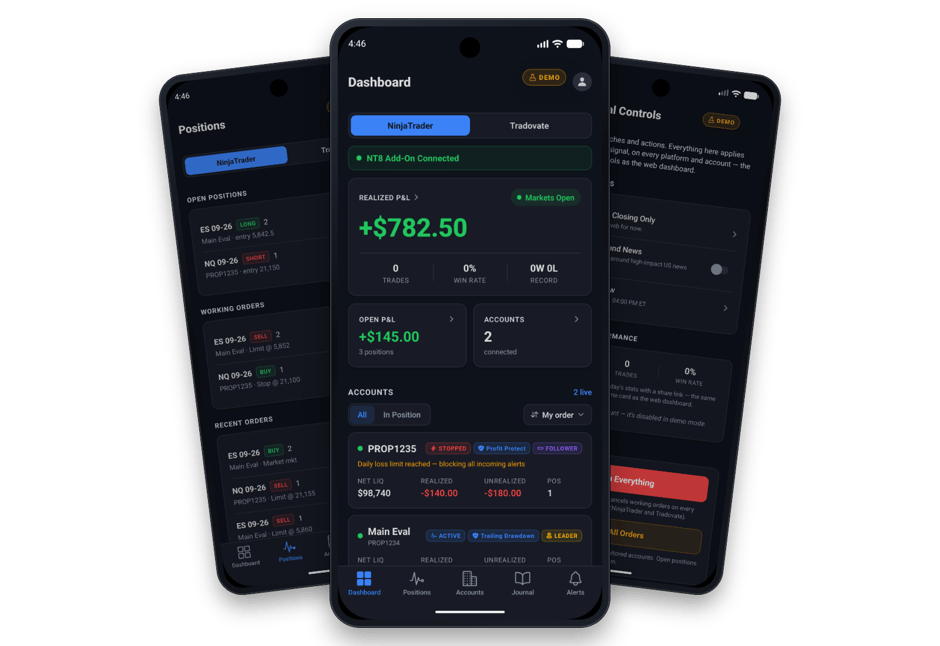
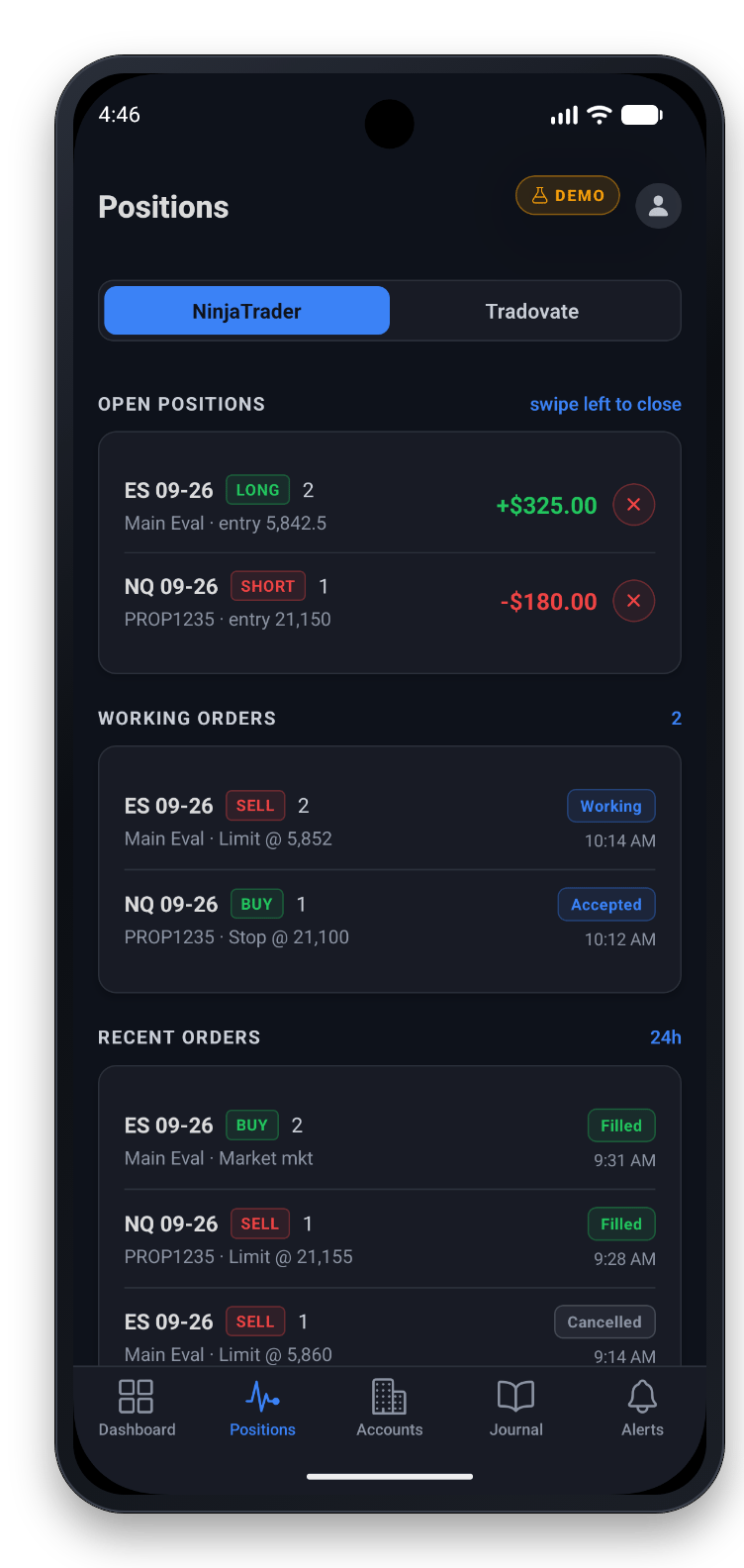
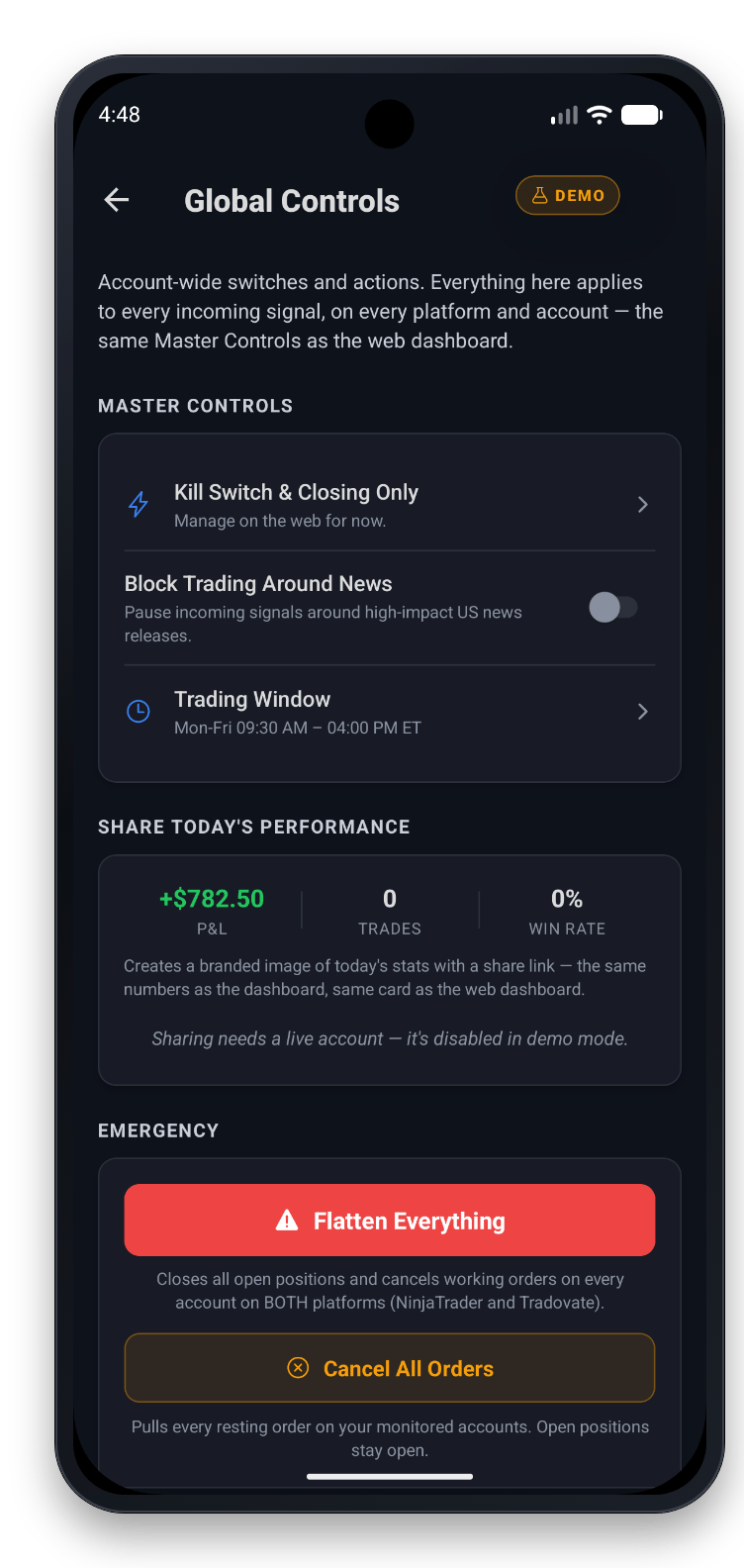
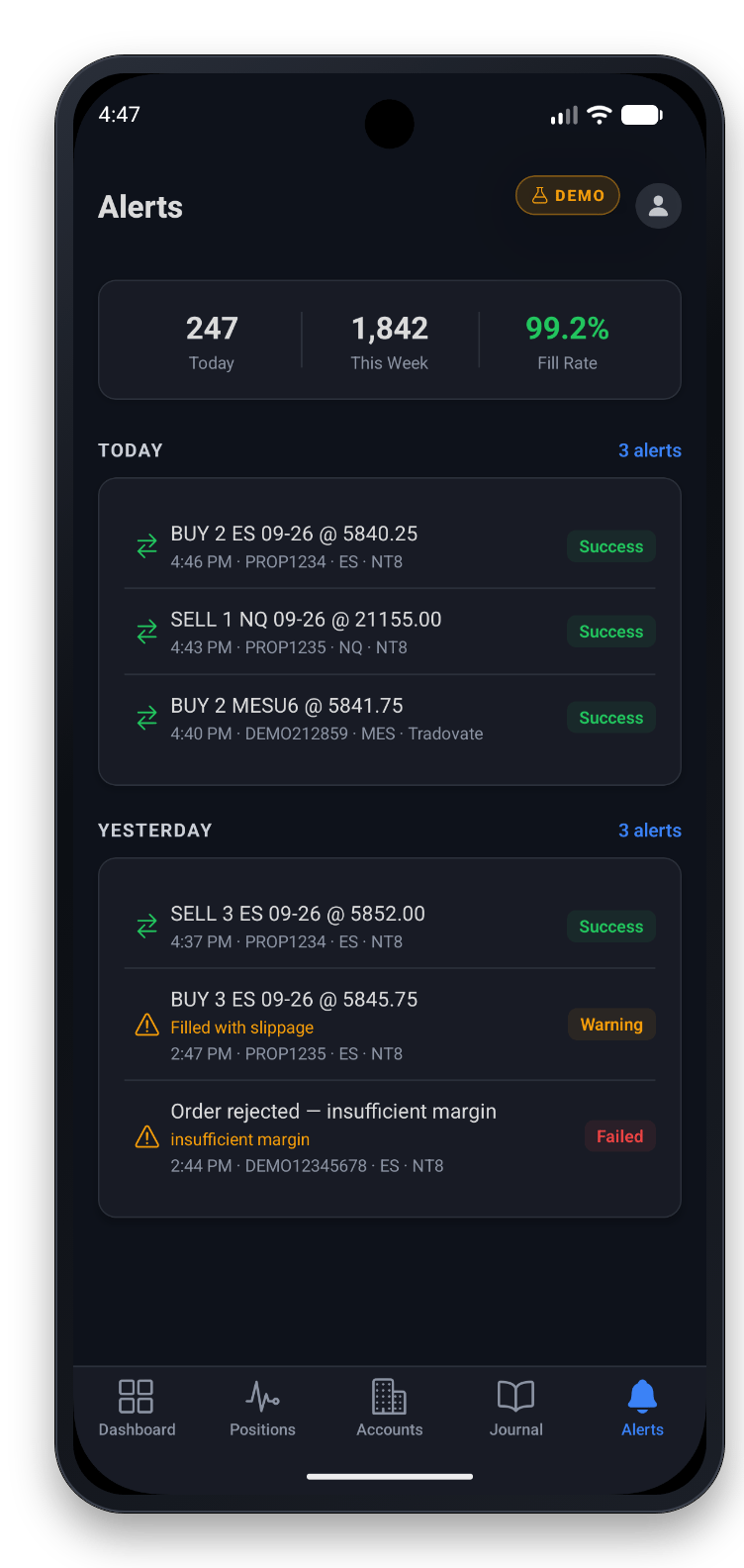
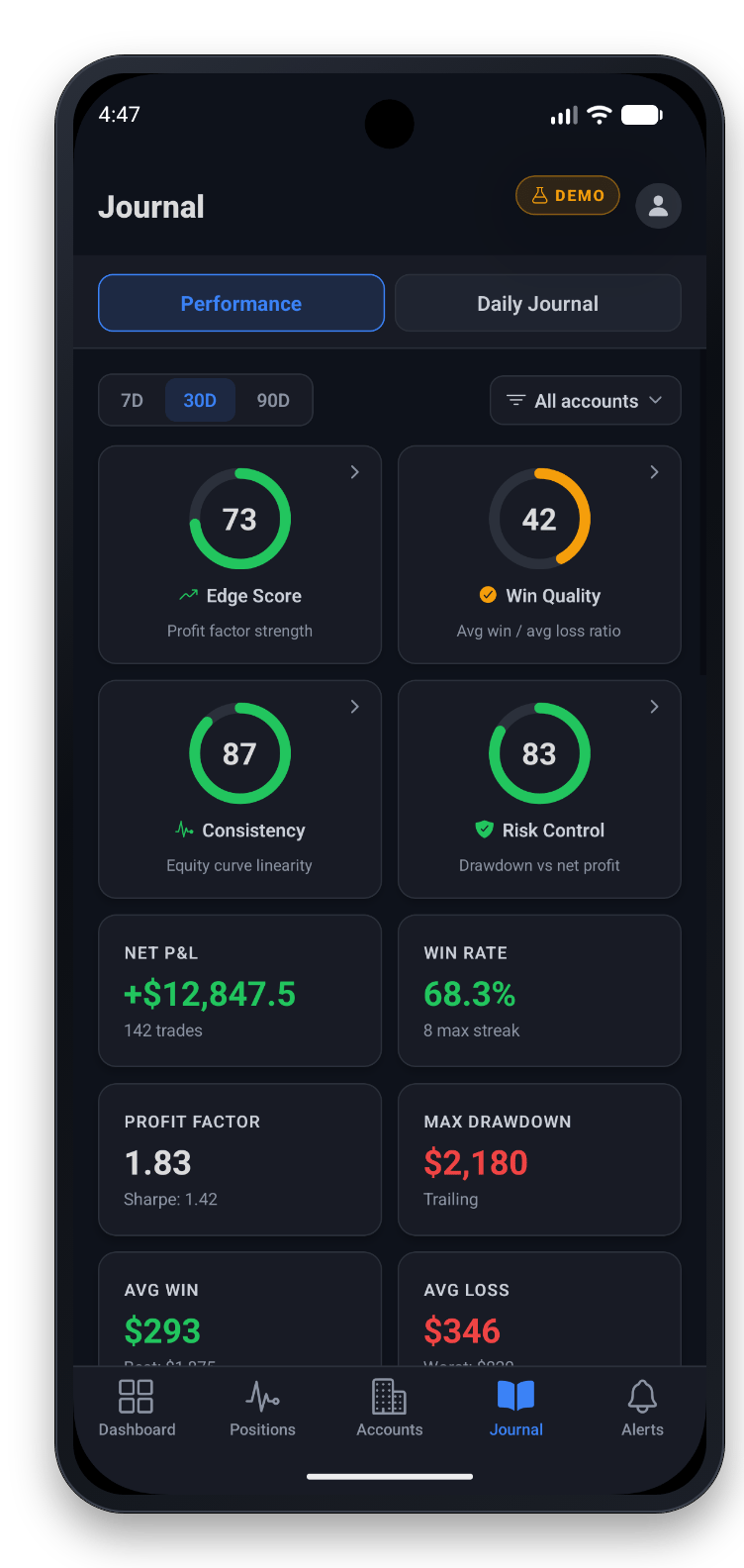
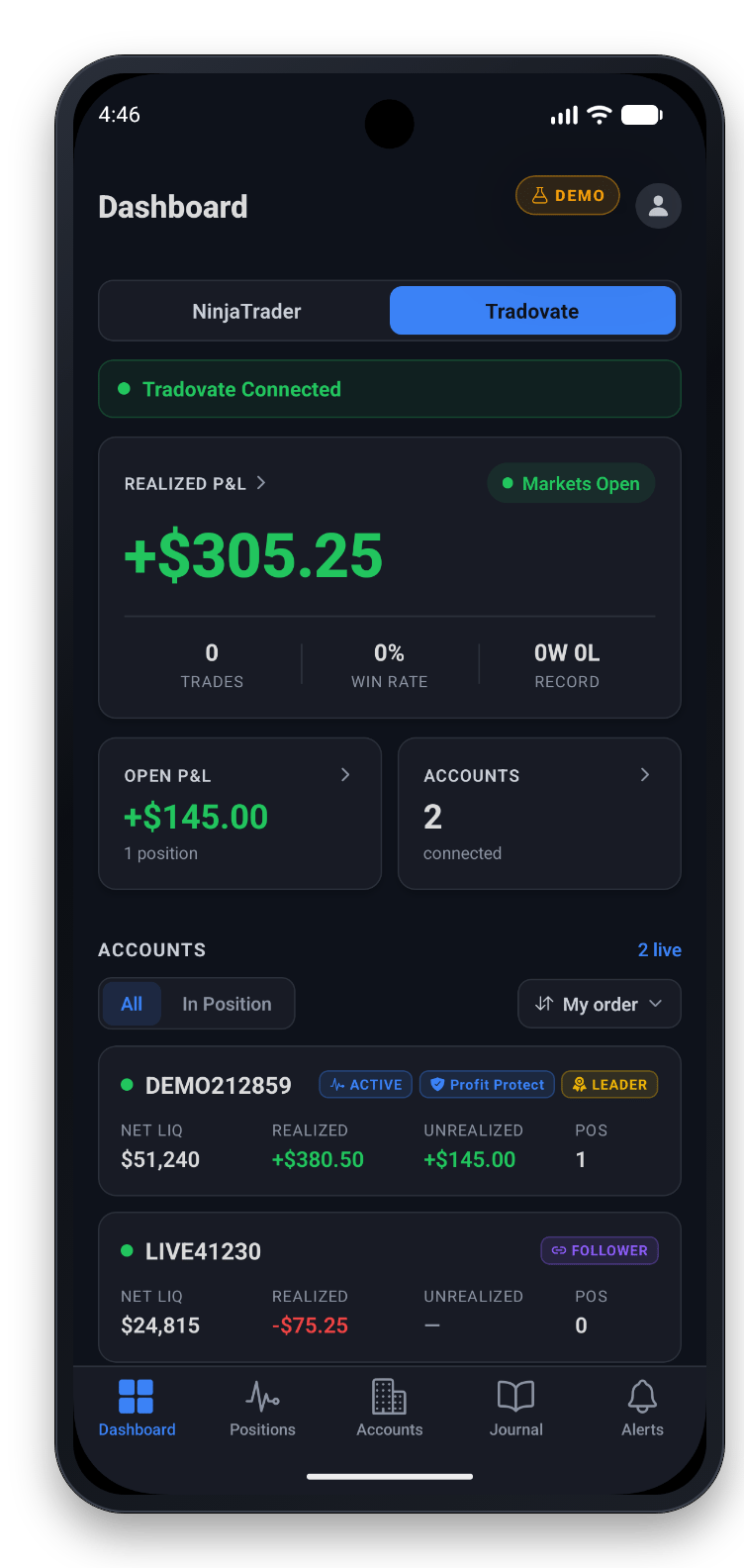
Yes. The CrossTrade app reaches the NinjaTrader 8 running on your own computer through the NT8 Add-On. From your phone you can check P&L, close positions, flatten accounts, cancel working orders and connect or disconnect data feeds, without a remote desktop session.
Do I need a VPS or remote desktop to use the app?
No. NinjaTrader keeps running wherever it runs now, on your PC or your own VPS, and the app reaches it through CrossTrade's servers and the NT8 Add-On. You don't rent a server, move your platform or open a remote session.
What has to be running on my computer?
For NinjaTrader 8, NinjaTrader must be running with the NT8 Add-On connected, the same as for TradingView alerts. If the add-on goes offline, the app tells you and can send you a push. For Tradovate, nothing has to be running: CrossTrade reaches Tradovate accounts from the cloud.
Which accounts can I see?
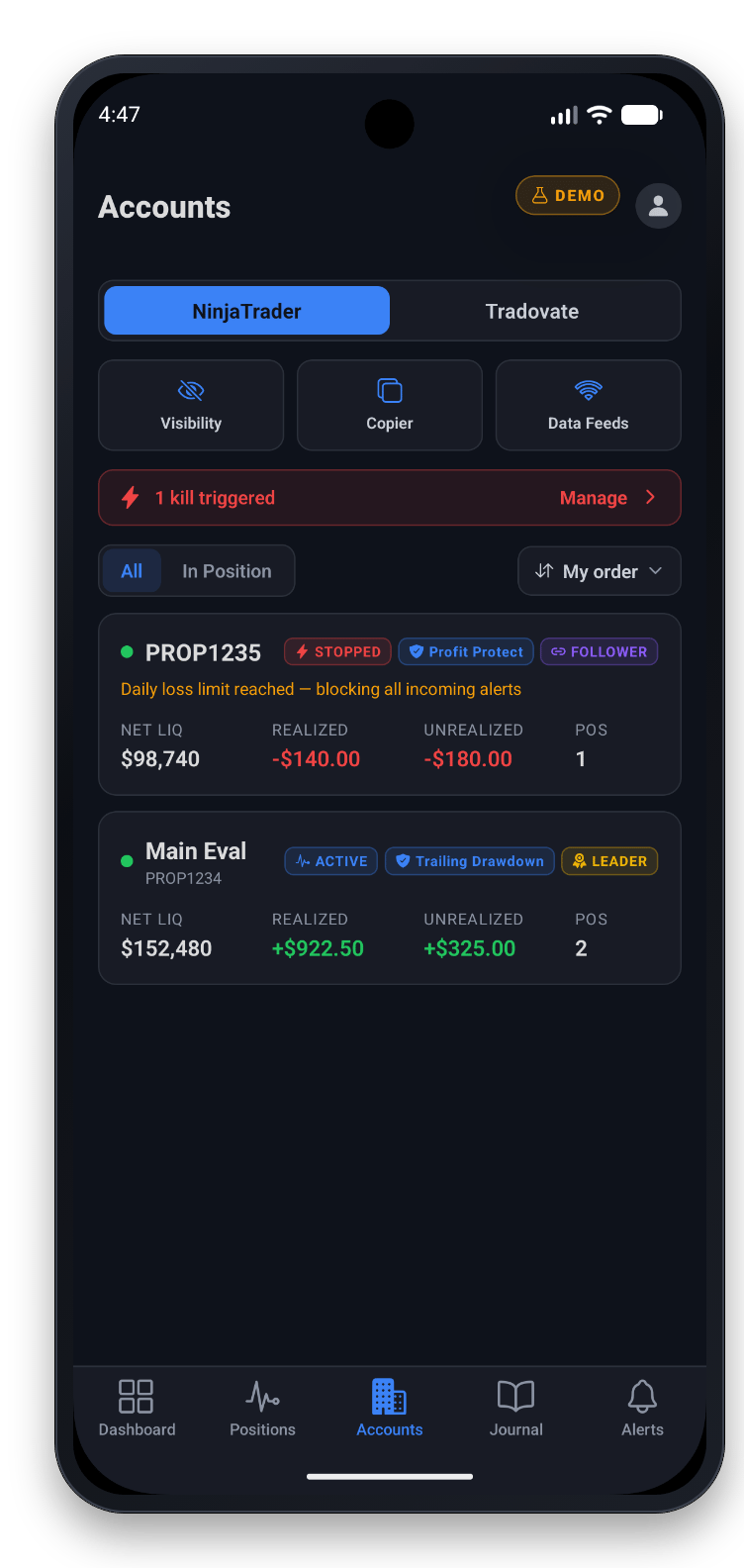
Every account your NinjaTrader 8 is connected to through the add-on, whatever the connection, plus every Tradovate account you have linked to CrossTrade. A switch on each screen moves between NinjaTrader and Tradovate.
Is the CrossTrade app on iPhone?
Not yet. The app is available for Android on Google Play.
How much does the app cost?
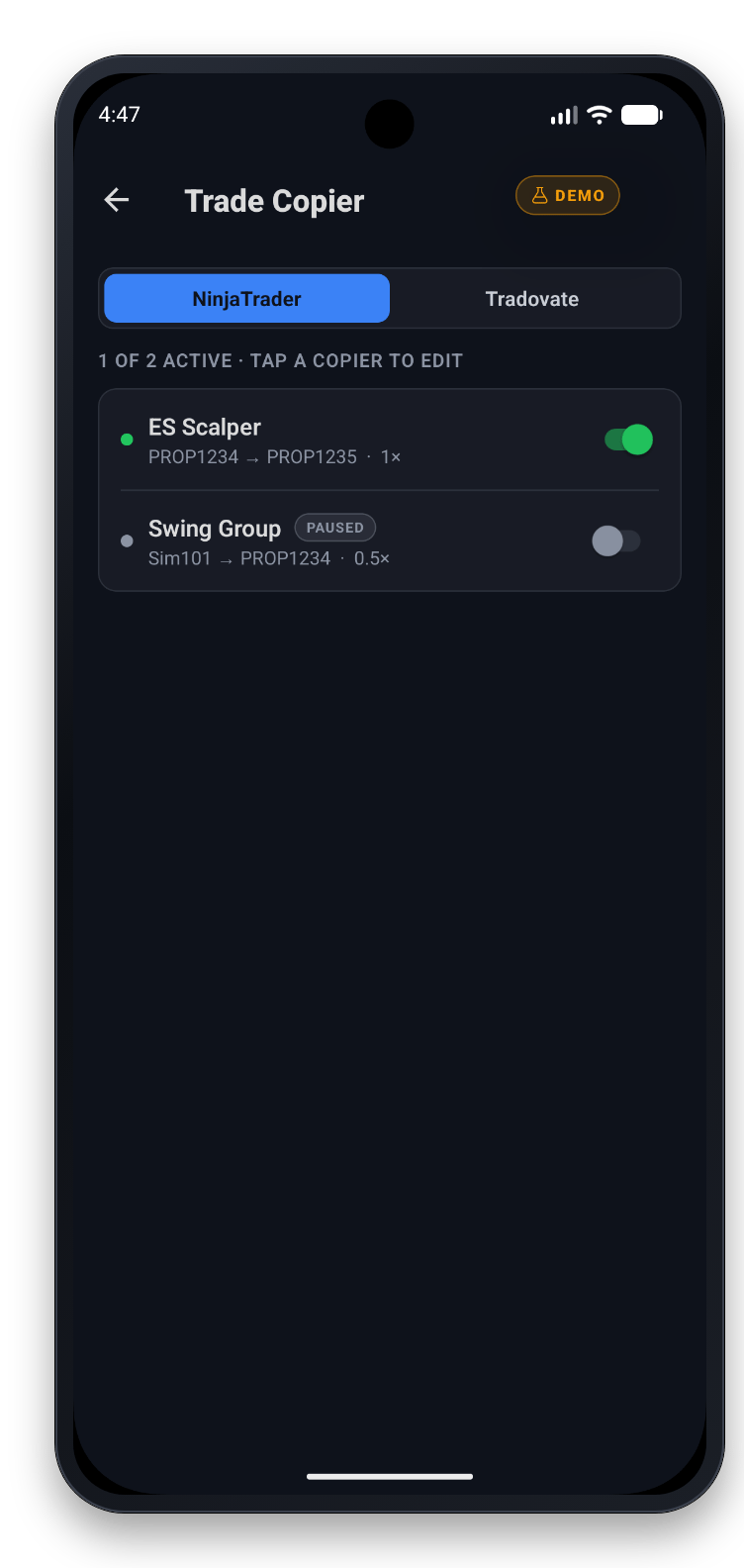
The app is free to install. You sign in with your CrossTrade account, which needs an active plan or free trial. Features follow your plan the same way they do on the web: the Account Manager, the Trade Copier and push notifications are part of Pro.
Can I sign up inside the app?
No. Create your account on crosstrade.io, then sign in on your phone. To look around before signing up, tap Explore the demo first on the sign-in screen.
What does open testing mean?
Open testing is Google Play's public early-access track. Anyone can install the app from the Play Store. It is complete and in daily use, and updates arrive often as we add features and fix what testers report.
Is it safe to flatten from my phone?
Every action that changes an account, closing a position, flattening, cancelling orders or disconnecting a data feed, asks you to confirm before anything is sent. If the app cannot confirm the result, it tells you to refresh before trying again so nothing is sent twice.